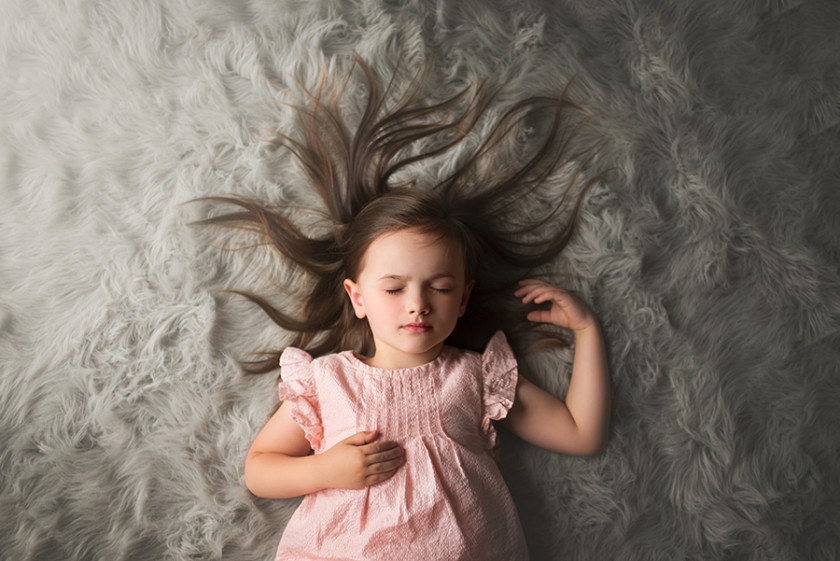
(Perfect Guide for Creators & Photographers)
AI duniya me Gemini AI ne photo editing aur image generation ko next level par le aaya hai. Aaj creators, photographers, designers aur digital marketers ke liye sabse bada challenge hota hai — ek hi photo se multiple angles, perspectives aur compositions banana. Pehle iske liye Photoshop, Lightroom, ya expensive reshoots ki zarurat hoti thi.
Ab? Sirf ek photo + sahi prompt = 10 different camera angle images.
Is blog me hum detail me samjhenge ki Gemini AI se kaise ek single photo ko multiple camera angles me convert kare, kaun-kaun se angles use kare, aur kaise ye technique aapke content ko professional aur viral bana sakti hai.
Gemini AI Kya Hai aur Ye Camera Angles Kaise Banata Hai?
Google ka Gemini AI ek advanced multimodal AI tool hai jo image ko samajh kar uska realistic transformation karta hai.
Iska matlab:
- AI subject ko pehchanta hai (face, body, product, background)
- Lighting aur depth ka dhyan rakhta hai
- New camera angle ko natural banata hai, copy-paste jaisa nahi
Isi wajah se Gemini AI photographers aur creators ke liye game-changer hai.
Sirf 1 Photo Kyun Kaafi Hai?
Agar aapke paas:
- Ek achhi quality portrait hai
- Ya product image hai
- Ya fashion / model shoot ka ek frame hai
To Gemini AI usse:
- Different lenses ka look de sakta hai
- Alag-alag framing bana sakta hai
- Camera position change kar sakta hai
👉 Matlab reshoot = zero, editing time = minimum, output = premium.
10 Powerful Camera Angles Jo Gemini AI Se Bana Sakte Ho


4
1️⃣ Close-Up Shot (Face Focused)
Perfect for:
- Reels thumbnails
- Emotional portraits
- Beauty & skincare content
Use case: Eyes, expressions aur skin details highlight hote hain.
2️⃣ Extreme Close-Up (ECU)
Isme:
- Sirf eyes, lips ya product detail hoti hai
Best for:
Luxury ads, jewellery, cosmetics.
3️⃣ Medium Shot
Subject waist ya chest tak visible hota hai.
Best for:
Talking head videos, fashion reels, Instagram posts.
4️⃣ Full Body Shot
Poora body frame me hota hai with background.
Best for:
Fashion shoots, outfit showcases, travel content.
5️⃣ Wide Angle Shot
Background zyada visible hota hai, subject thoda door.
Best for:
Cinematic feel, lifestyle & storytelling shots.
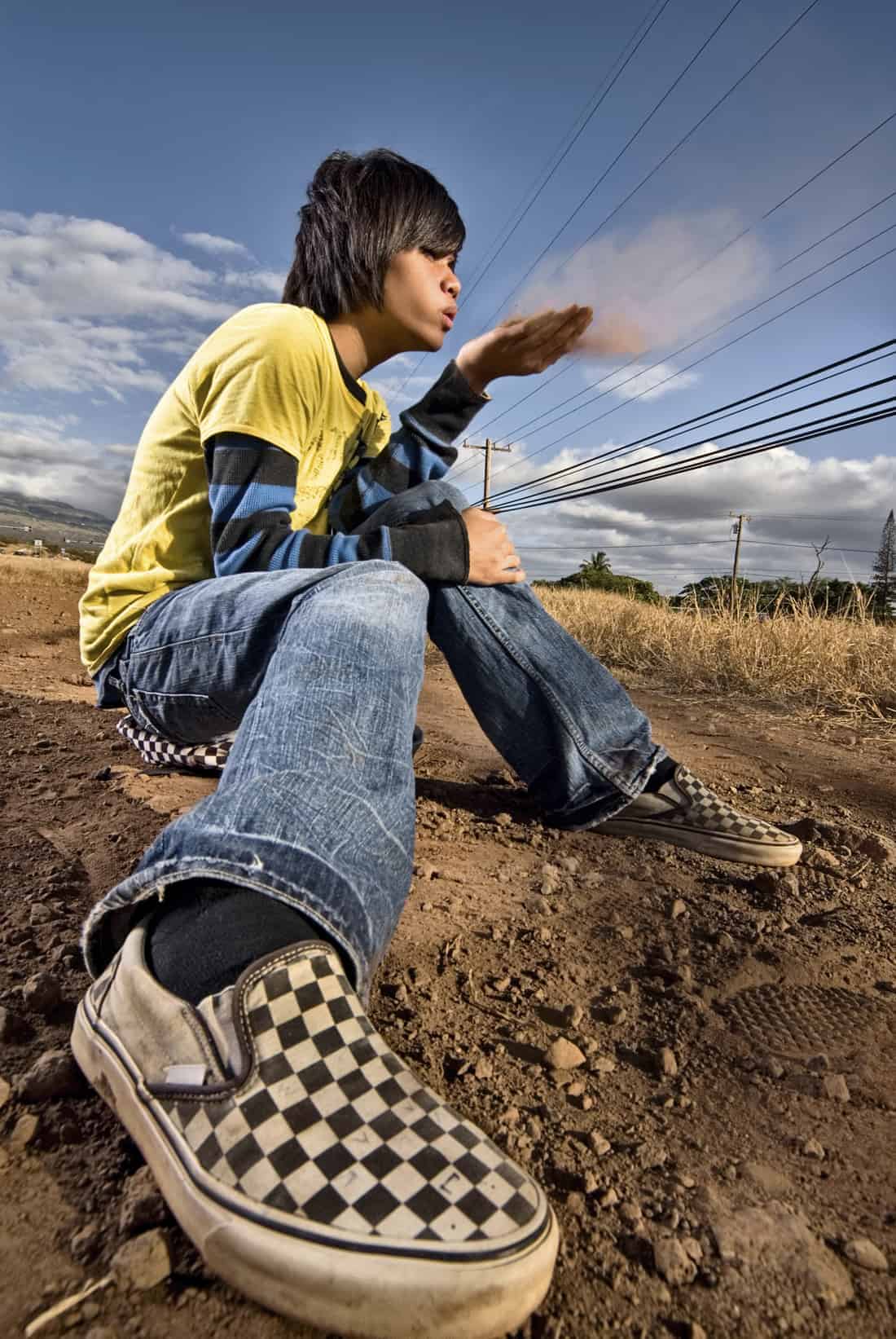
6️⃣ Low Angle Shot
Camera niche se upar ki taraf hota hai.
Effect:
Subject powerful, confident aur dominant lagta hai.
7️⃣ High Angle Shot
Camera upar se niche ki taraf.
Effect:
Soft, aesthetic, ya minimal look.
8️⃣ Top View Shot
Seedha upar se capture.
Best for:
Flat lay, product shots, creative reels.
9️⃣ Over The Shoulder Shot (OTS)
Camera subject ke shoulder ke peeche se.
Best for:
Storytelling, cinematic frames, POV shots.
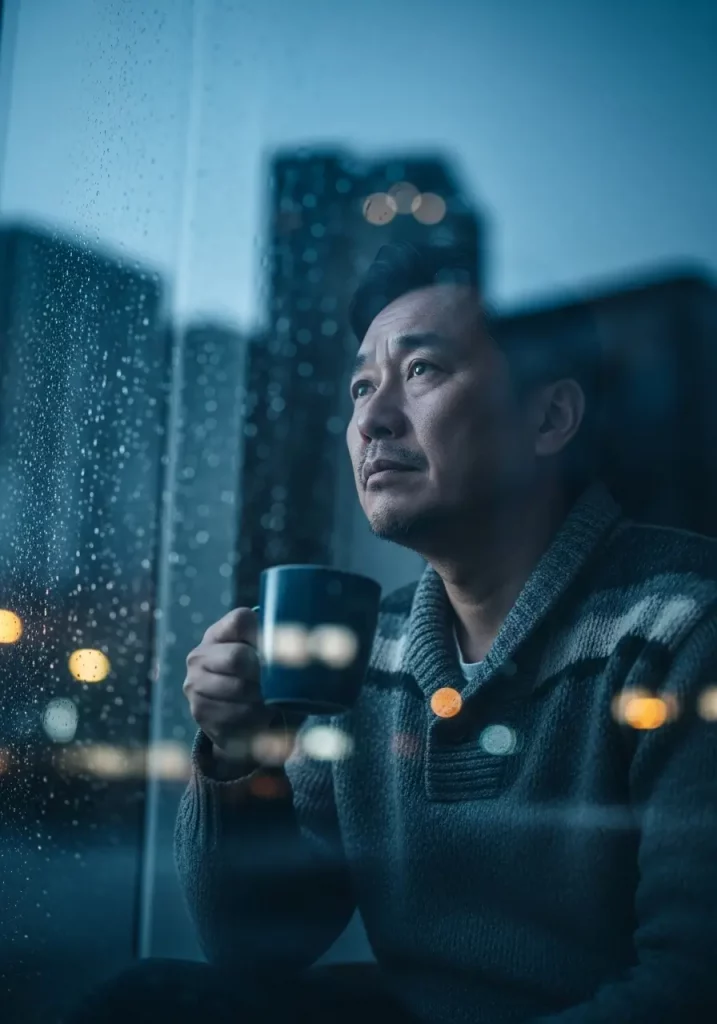
🔟 Side Profile / 3⁄4 Angle
Face ka side ya 45° angle.
Best for:
Editorial shoots, classy & elegant visuals.
Gemini AI Me Camera Angle Images Kaise Generate Kare?


Step-by-Step Process:
1️⃣ Gemini AI open kare
2️⃣ Apni ek clear photo upload kare
3️⃣ Prompt likhe (example below 👇)
Sample Prompt (English):
“Using the uploaded image as reference, generate a realistic wide-angle portrait. Keep the same face, same outfit, same lighting style. Change only the camera angle. Natural depth, professional DSLR look.”
Isi tarah aap:
- “close-up shot”
- “low angle cinematic portrait”
- “top view editorial shot”
jaise words use karke alag-alag images bana sakte ho.
Creators & Photographers Ke Liye Iska Fayda
🎥 Content Creators
- Ek shoot = multiple reels
- Thumbnails me variety
- High engagement visuals
📸 Photographers
- Client ko multiple outputs
- Creative experimentation
- Time & cost saving
🛍️ Brands & Businesses
- Product ads ke multiple creatives
- A/B testing ke liye alag images
- Premium brand look
Pro Tips (Jo Result 10x Better Banaye)
✔️ High-resolution photo upload karo
✔️ Prompt me “same face, same outfit” likhna na bhulo
✔️ Ek baar me ek hi angle generate karo
✔️ Lighting mention karo (soft light, studio light, cinematic light)
Final Words
Gemini AI se 1 photo → 10 different camera angle images banana aaj ke time me ek must-learn skill hai. Chahe aap:
- AI creator ho
- Photographer ho
- Digital marketer ho
- Ya content beginner ho
Ye technique aapke visuals ko professional, cinematic aur viral bana degi — bina extra shoot ke.
