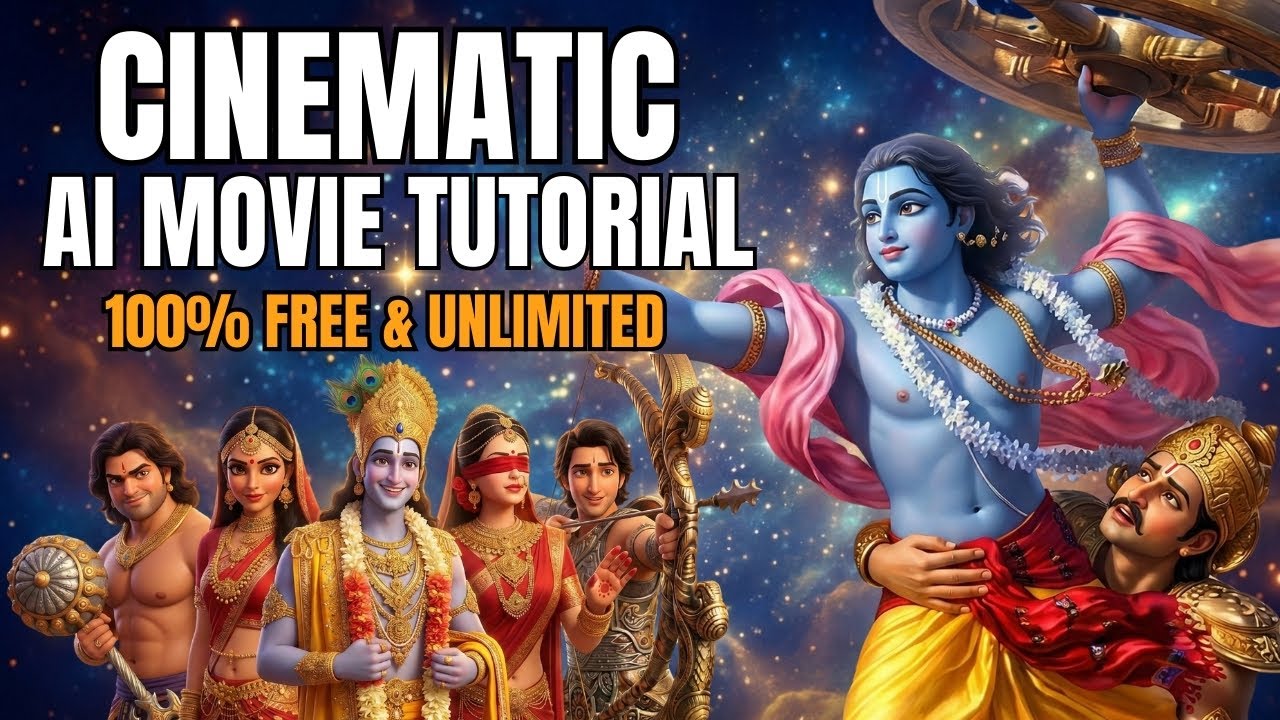
Creating high-quality short films once required expensive cameras, editing software, and professional teams. But today, with the power of Artificial Intelligence, anyone can create cinematic short films using free online tools. From generating realistic characters and dialogues to creating background music and editing videos, AI makes the entire process simple and affordable.
In this guide, you will learn how to make amazing AI short films using free tools, step by step.
Why Use AI for Short Film Creation?
AI tools have transformed digital storytelling. With the help of AI, you can:
- Create consistent characters across scenes
- Generate realistic facial expressions and voice dialogues
- Convert images into animated videos
- Produce background music and songs
- Edit professional-looking videos
- Save time and money
Even beginners can now create high-quality content for YouTube, Instagram, and other platforms.
Step 1: Collect Reference Images
Before starting, you need reference images for your scenes. These images help AI understand the character’s appearance, environment, and mood.
You can:
- Take screenshots from videos
- Use photos from your mobile camera
- Create basic AI images
Try to collect 2–3 images per scene for better consistency.
Step 2: Convert Images into 3D Style Using AI
Once you have your reference images, upload them to an AI image tool and convert them into a 3D or cinematic style.
Use simple prompts like:
“Convert this image into 3D Pixar-style in 16:9 aspect ratio.”
If the skin tone or character changes, refine your prompt:
“Keep the exact same skin color and facial features as the reference.”
This helps maintain character consistency throughout your film.
Step 3: Generate Animated Videos from Images
After creating stylized images, the next step is converting them into videos.
Upload your image to an AI video tool and:
- Select video format (9:16 or 16:9)
- Choose resolution
- Set duration
Then write a motion prompt, such as:
“The man smiles gently and says ‘Pranipat Mamashri’ while joining hands. Camera remains still.”
If the motion looks incorrect, regenerate the video and improve the prompt. Adding instructions like “no turning” or “no camera movement” helps get better results.
Step 4: Write Song Lyrics Using AI
Music plays a big role in emotional storytelling. You can generate powerful background songs using AI.
First, prepare lyrics using an AI writing tool. Give clear instructions like:
“Make these lyrics Krishna-based, serious mood, fast rap style.”
For better pronunciation, always write lyrics in Hindi if your song is in Hindi. Avoid English spellings for Hindi words.
Example:
Instead of:
“Geeta ka gyaan diya”
Write:
“गीता का ज्ञान दिया”
This improves voice clarity in AI-generated songs.
Step 5: Generate Music Using AI
Once your lyrics are ready, paste them into an AI music generator.
You will find two options:
- Simple Mode
- Custom Mode
Choose Custom Mode and paste:
- Lyrics
- Style Prompt (rap, devotional, cinematic, emotional, etc.)
Click Generate and wait for results. Try multiple versions and select the best one with clear vocals and good rhythm.
Download the final audio in MP3 format.
Step 6: Upscale Your Videos
Most free AI tools generate videos in low resolution like 480p. To improve quality, use an AI upscaler.
Upscaling helps you:
- Improve sharpness
- Reduce blur
- Enhance details
- Make videos look professional
After upscaling, your video will be suitable for YouTube and reels.
Step 7: Edit Everything in Video Editing Software
Now you have:
- AI-generated video clips
- Background music
- Dialogue videos
Import all files into a video editor.
Arrange clips according to the story sequence. Add:
- Soft transitions (like dissolve)
- Background music
- Dialogue timing
- Light effects
Avoid heavy transitions. Simple cuts and smooth fades work best for cinematic storytelling.
Step 8: Export and Publish Your Film
After editing:
- Check audio sync
- Verify transitions
- Adjust brightness and contrast
- Add logo if needed
Export in HD (1080p) format.
Now your AI short film is ready for:
- YouTube
- Instagram Reels
- Shorts platforms
Tips for Better AI Short Films
Here are some expert tips:
1. Write Clear Prompts
The better your prompt, the better the output. Always mention:
- Expression
- Movement
- Camera angle
- Emotion
2. Regenerate When Needed
AI does not always give perfect results. Generate 2–3 versions and choose the best.
3. Keep Characters Consistent
Use the same reference images and skin tone instructions for all scenes.
4. Focus on Story
Technology is powerful, but story is king. Plan your scenes before creating.
5. Use Native Language
For songs and dialogues, use original language scripts for better pronunciation.
Benefits of Creating AI Short Films
Using AI for filmmaking gives you:
- Zero production cost
- Fast workflow
- Professional output
- Unlimited creativity
- High earning potential
You can monetize your content through ads, brand deals, and client projects.
Final Thoughts
AI has made filmmaking accessible to everyone. With free tools, creativity, and smart prompting, you can produce high-quality short films without expensive equipment.
By following this step-by-step process—image creation, video generation, song production, and editing—you can build powerful cinematic content for your audience.
Start experimenting today, improve your prompts, and turn your imagination into stunning AI-powered stories.
