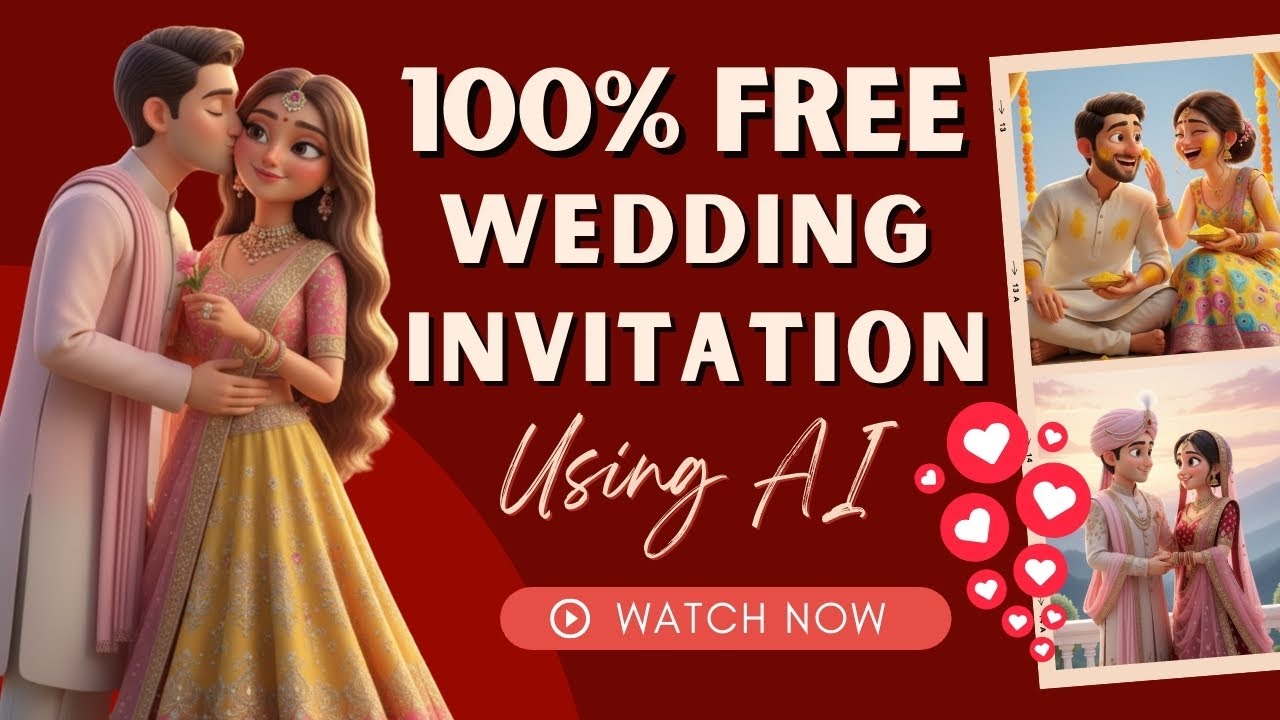
Wedding invitations are no longer limited to simple cards or basic videos. Today, with the help of Artificial Intelligence (AI), you can create stunning 3D animated wedding invitation videos with realistic dialogues—completely free and unlimited.
These AI-powered invites look cinematic, emotional, and professional, making them perfect for sharing on WhatsApp, Instagram, YouTube, and Facebook.
In this blog, you’ll learn how to create viral wedding invitation videos step by step using free AI tools.
Why AI Wedding Invitations Are Trending
AI wedding invitations are becoming popular because they:
- Look modern and premium
- Include realistic voice dialogues
- Support both English and Hindi
- Feel emotional and cinematic
- Are easy to share online
Unlike traditional cards, these invitations leave a lasting impression.
What Can This AI Tool Do?
With this method, you can create:
✅ 3D wedding invitation videos
✅ Image-to-video animations
✅ Text-to-video content
✅ Kids animation videos
✅ AI advertisements
✅ Short movies and stories
One tool can handle multiple creative tasks.
Tools You Need to Get Started
To create AI wedding invitations, you’ll need:
1. Pinterest
For finding reference images and design ideas.
2. ChatGPT
For generating detailed image prompts.
3. Google Gemini
For creating high-quality AI images.
4. GoKI / Grow AI (Video Generator)
For adding motion, voice, and dialogue.
All these tools are free and beginner-friendly.
Step-by-Step Guide to Create Viral Wedding Invitations
Step 1: Find a Reference Image on Pinterest
First, open Pinterest.
- Search: “Wedding Invitation”
- Browse and select a design you like
- Download the image
This will be your design reference.
Step 2: Generate a Detailed Prompt Using ChatGPT
Now open ChatGPT.
- Upload the downloaded image
- Write this prompt:
“Give me a detailed prompt for this image.”
- Let ChatGPT generate the description
- Copy the generated prompt
This will help AI recreate a similar design.
Step 3: Create an AI Image Using Google Gemini
Next, open Google Gemini.
- Switch to Pro Mode
- Click on Create Image
- Paste the prompt
- Submit
Within seconds, your wedding invitation image will be generated.
Download it.
Step 4: Convert Image into Video Using GoKI / Grow AI
Now visit GoKI / Grow AI.
- Sign in with Google
- Click on Imagine / Image to Video
- Upload your generated image
- Select:
- Aspect Ratio
- Resolution
- Duration (6 seconds recommended)
Once uploaded, the tool starts creating a video automatically.
Step 5: Add Dialogues and Emotions
To make your invitation more special, add dialogues.
Example Prompt (English):
Bride says softly: You look so beautiful today.
Groom replies emotionally: All because of you, my love.
They smile and laugh.
Example Prompt (Hindi):
Woman says happily: Aaj hamari haldi hai aur kal shaadi.
Man replies excitedly: Tum soch bhi nahi sakti main kitna khush hoon.
They laugh together.
Submit the prompt.
The AI will add voice, lip-sync, expressions, and gestures.
Step 6: Download Your Final Video
After processing:
- Click on three dots
- Select upscale if needed
- Download the HD video
Now your wedding invitation is ready to share.
Free Version Benefits
With the free plan, you get:
✔ Up to 20 videos per day
✔ HD quality
✔ Voice support
✔ Hindi + English dialogues
✔ No editing skills needed
Perfect for beginners and creators.
Why This Method Is So Powerful
This AI workflow works because:
🔹 No camera needed
🔹 No actors required
🔹 No animation skills
🔹 No studio setup
🔹 No expensive software
Everything is handled by AI.
Best Uses of AI Wedding Invitations
You can use these videos for:
💍 Wedding invitations
💑 Engagement announcements
🎉 Pre-wedding functions
📱 WhatsApp invites
📸 Instagram Reels
📺 YouTube Shorts
They increase excitement among guests.
Tips to Make Your Invitation Go Viral
Follow these tips:
✅ Keep It Short
6–15 seconds is ideal.
✅ Use Emotional Dialogues
Romantic and family-friendly lines work best.
✅ Add Local Language
Hindi or regional languages boost engagement.
✅ Post on Multiple Platforms
Share on WhatsApp, Instagram, and Facebook.
✅ Use Trending Music
Combine AI voice with soft background music.
Monetization Opportunity
You can earn money by creating AI wedding invites for others:
💰 Charge ₹500–₹3000 per video
💰 Offer wedding packages
💰 Sell through Instagram pages
💰 Partner with wedding planners
Many creators are building full businesses with this.
Complete Workflow Summary
Here’s the full process:
1️⃣ Pinterest → Download reference image
2️⃣ ChatGPT → Generate prompt
3️⃣ Google Gemini → Create image
4️⃣ GoKI / Grow AI → Make video
5️⃣ Download & Share
Simple and effective.
Who Can Use This Method?
Anyone can use it:
- Students
- Freelancers
- Designers
- Wedding planners
- Social media creators
- Beginners
No experience required.
Final Thoughts
AI has changed the way wedding invitations are made. What once required designers and studios can now be done in minutes using free tools.
With ChatGPT, Google Gemini, and GoKI / Grow AI, you can create:
✨ Beautiful
✨ Emotional
✨ Professional
✨ Viral-ready wedding invites
All without spending money.
Start today and turn creativity into income.
