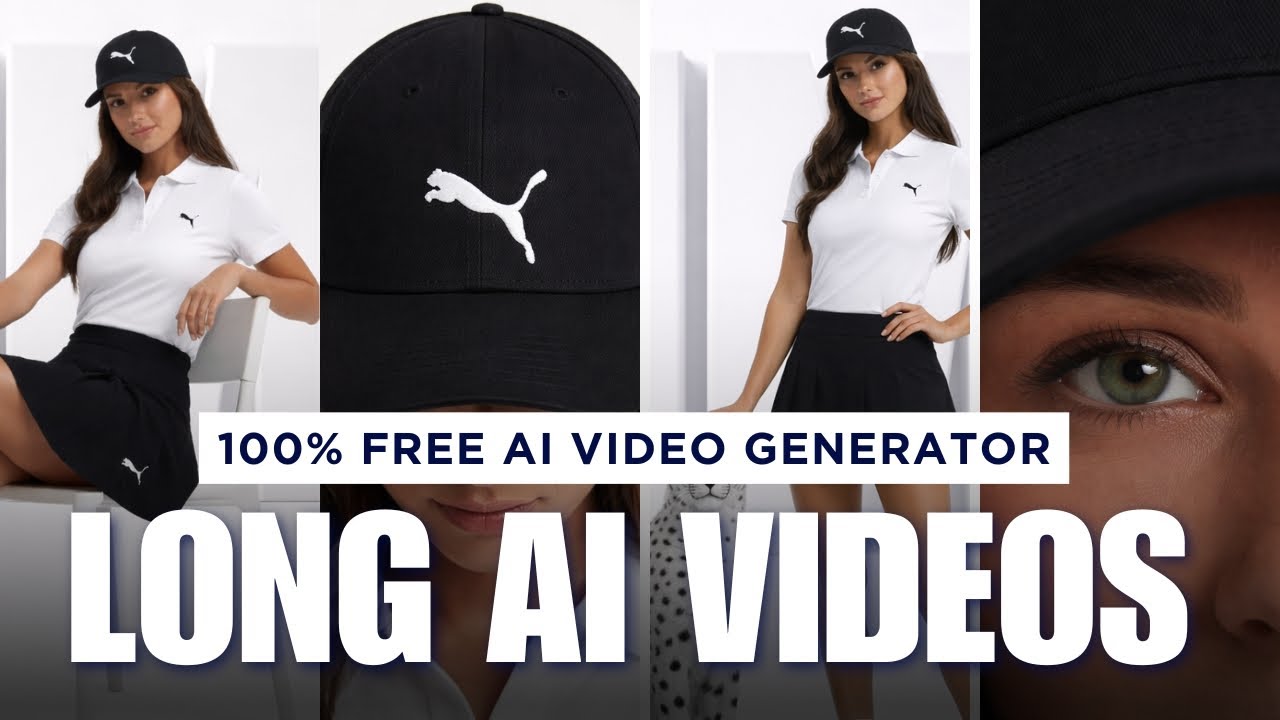
Creating videos traditionally requires cameras, actors, editing software, and time. But now, AI has simplified everything. You can create long, high-quality videos using free AI tools in just minutes.
This guide explains how to create long AI videos using free tools like ChatGPT and Google Flow.
What Are Long AI Videos?
Long AI videos are videos generated entirely using artificial intelligence. Instead of recording real footage, AI creates scenes based on images or instructions.
Previously, AI videos were limited to short clips. But now, new features allow you to extend scenes and connect multiple clips into one long video.
This opens endless possibilities for creators and businesses.
Step 1: Generate Professional Images Using AI
Images are the foundation of AI videos.
Using ChatGPT, you can generate or edit images easily. Upload your reference image and write instructions like:
“Keep the same setup but replace the product with my product image.”
ChatGPT creates a professional image ready for video generation.
This is especially useful for product promotions.
Step 2: Convert Images into AI Videos
After generating the image, open Google Flow and upload your image.
Add motion instructions such as:
- Character walking
- Character talking
- Camera zoom movement
The AI converts the image into a video clip.
This clip becomes your first scene.
Step 3: Extend Scenes to Make Long Videos
The Extend feature allows you to continue the same video.
For example:
First scene: Character walking
Extended scene: Character stops and talks
Next scene: Camera zooms out
Each extension increases the video length.
This allows you to create videos of any length.
Step 4: Create Smooth Scene Transitions
The Jump To feature helps create transitions between scenes.
Upload starting and ending images, add motion instructions, and generate the transition.
This creates smooth storytelling videos.
Step 5: Combine Everything into One Video
By combining multiple scenes, you can create complete videos.
Example structure:
Introduction
Story development
Product showcase
Conclusion
All scenes connect naturally.
Step 6: Export Your Final Video
Once finished, export and download your video.
You can use it for YouTube, ads, or social media.
No paid tools required.
Why AI Video Creation Is Powerful
AI video generation offers many advantages:
- Fast video production
- No expensive equipment
- Free tools available
- Easy to use
- Professional results
It helps creators scale their content easily.
Best Use Cases
AI videos are perfect for:
YouTube videos
Marketing content
Educational videos
Product ads
Social media content
Businesses can use AI videos to promote products effectively.
Conclusion
AI video generators have made video creation easier and more accessible than ever. With free tools like ChatGPT and Google Flow, you can create long, professional videos without spending money.
By generating images, converting them into videos, extending scenes, and combining multiple clips, you can produce high-quality long AI videos easily.
This technology is perfect for content creators, marketers, and businesses looking to scale video production.
Start using AI today and create unlimited long videos for free.
