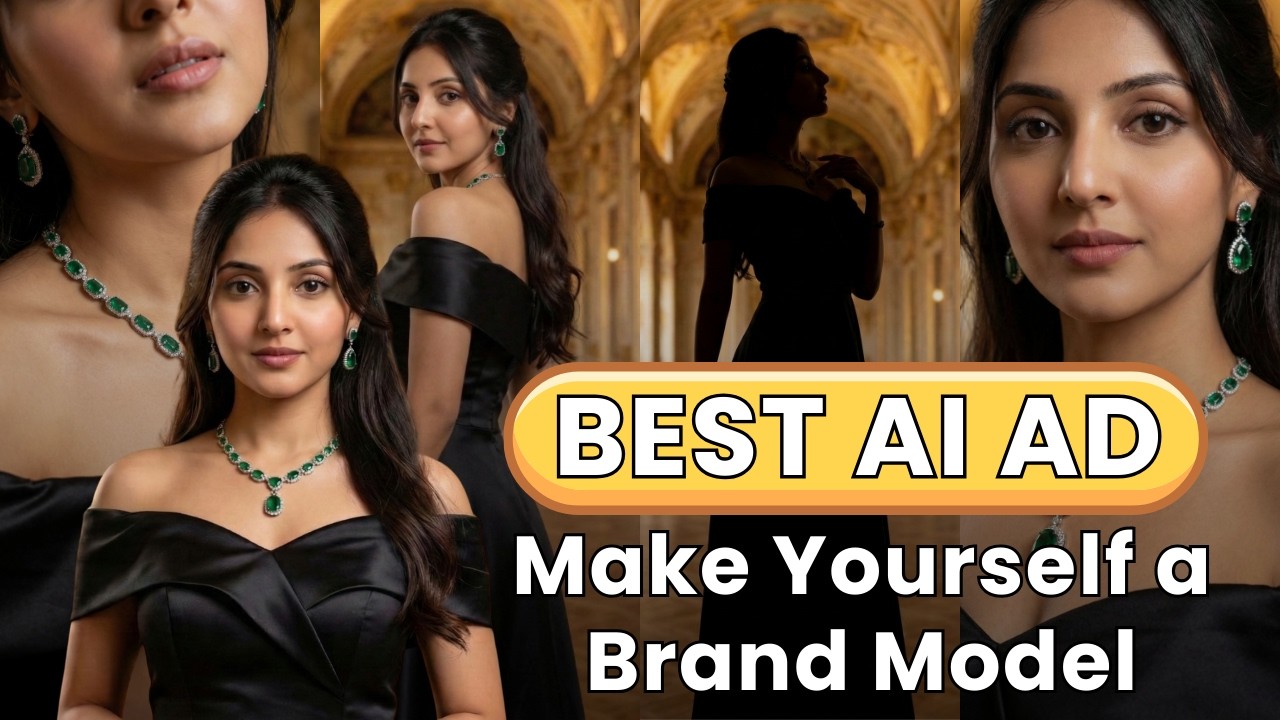
Creating advertisement videos for brands used to be extremely expensive. Businesses had to hire professional models, arrange studio setups, rent cameras, manage lighting equipment, and coordinate an entire production team. For many small brands and creators, this cost made professional advertising almost impossible.
But today, Artificial Intelligence has completely changed the game.
With AI tools, you can now create your own realistic AI influencer, represent your brand personally, and produce high-quality advertisement videos without hiring models or setting up expensive shoots.
Even better — if the model is based on your own face, there are no copyright claims or fake identity allegations, because the face belongs to you.
In this guide, you’ll learn a complete step-by-step workflow to create a realistic AI jewellery model video using AI tools.
Why AI Influencers Are Becoming Popular for Brands
AI influencers are becoming a powerful marketing tool for brands because they provide several advantages:
1. Huge Cost Savings
Traditional ads require:
- Models
- Studio setup
- Cameras
- Lighting
- Production crew
AI eliminates most of these expenses.
2. Full Brand Control
You can control:
- Model appearance
- Camera angles
- Jewellery styling
- Lighting
- Background
3. Face Consistency
When you generate an AI model based on your own face, every image can maintain a consistent facial identity across all scenes.
4. No Copyright Issues
Since the face belongs to you, there is no risk of copyright claims or impersonation issues.
Step 1: Select an Advertisement to Recreate
The first step is selecting a popular advertisement video you want to recreate.
Instead of copying the entire video, the idea is to recreate its style using your own AI model.
This helps you learn:
- Scene structure
- Camera angles
- Model poses
- Lighting setup
Step 2: Capture Screenshots of Every Scene


4
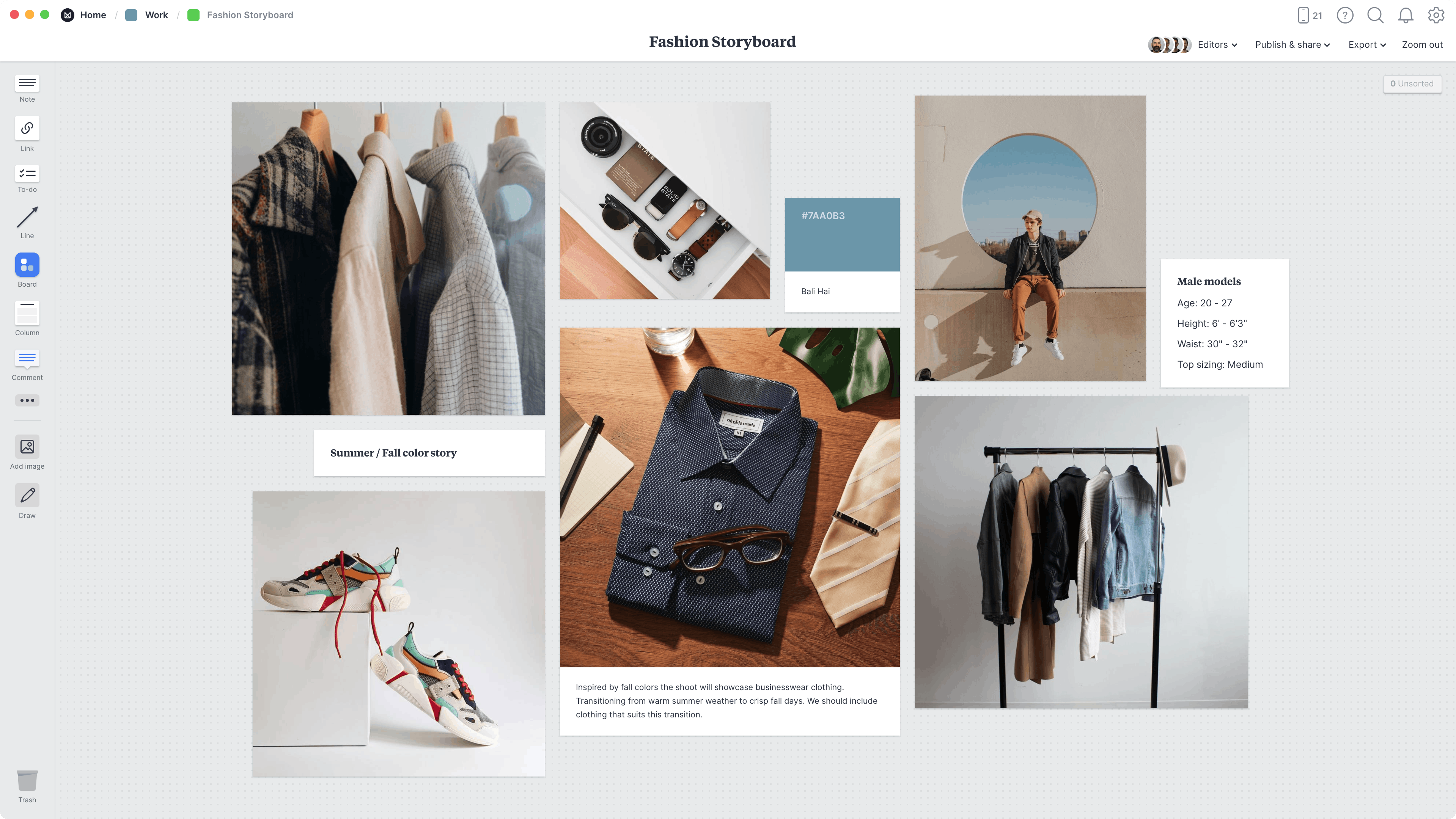
Next, take screenshots of every important scene from the advertisement.
These screenshots will help you analyze:
- Model poses
- Camera angles
- Jewellery placement
- Lighting setup
- Scene composition
These screenshots will later become reference images for AI generation.
For example, if your ad has 6 scenes, you should capture 6 screenshots.
Each screenshot will help generate one frame.
Step 3: Generate Detailed Image Prompts with AI
Now upload your first reference image into ChatGPT.
Choose the image where:
- The model’s full body is visible
- The outfit is clearly visible
- The jewellery details are visible
Then ask ChatGPT to generate a detailed prompt for that image.
Example instruction:
“Give a detailed prompt for this image exactly the same. I will not upload this image as reference later, so mention every detail clearly. No text.”
The AI will analyze and generate a very detailed prompt including:
- Model pose
- Outfit description
- Jewellery design
- Background
- Lighting setup
- Camera angle
This prompt will help recreate the same image even without the reference image.
Step 4: Generate Your AI Model Image

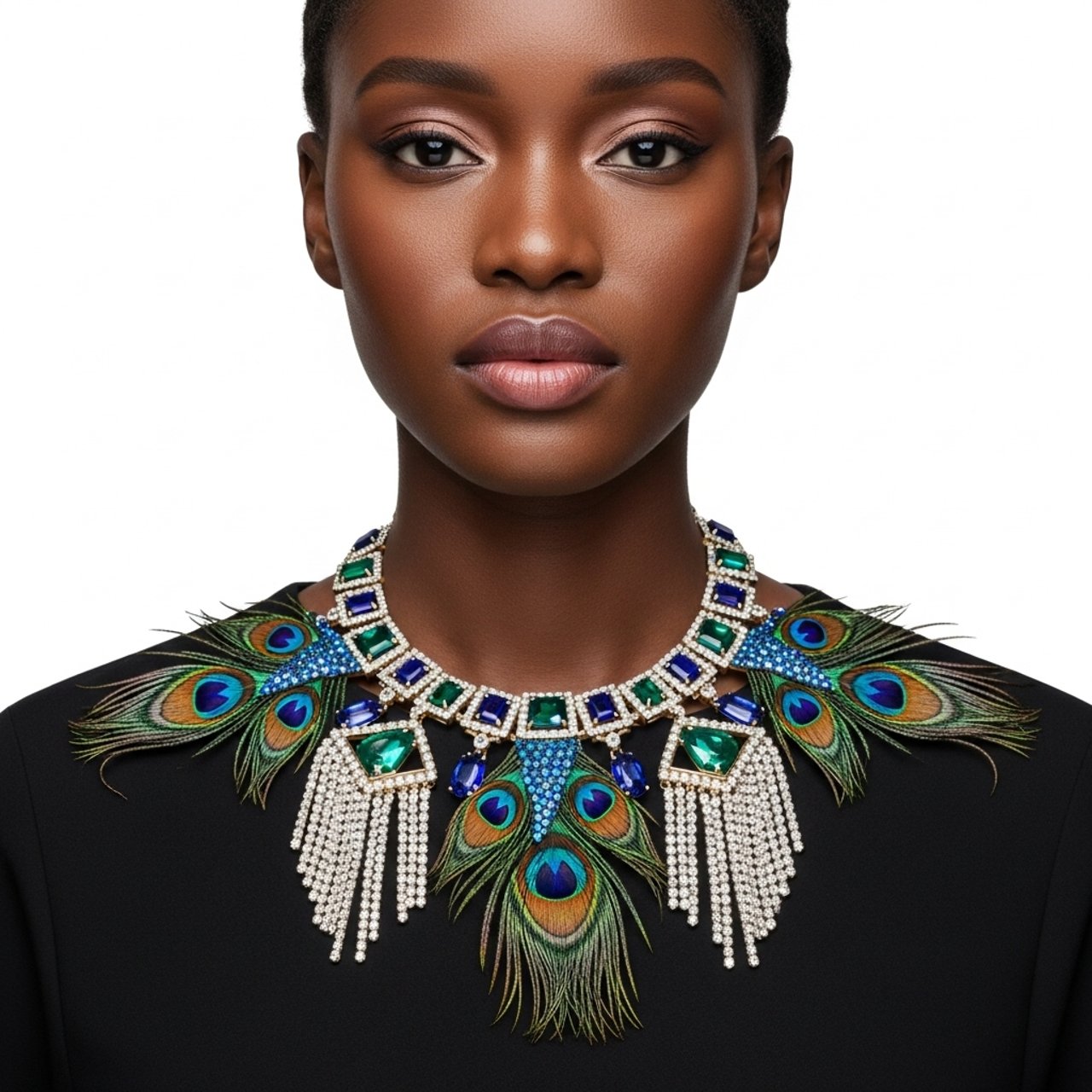
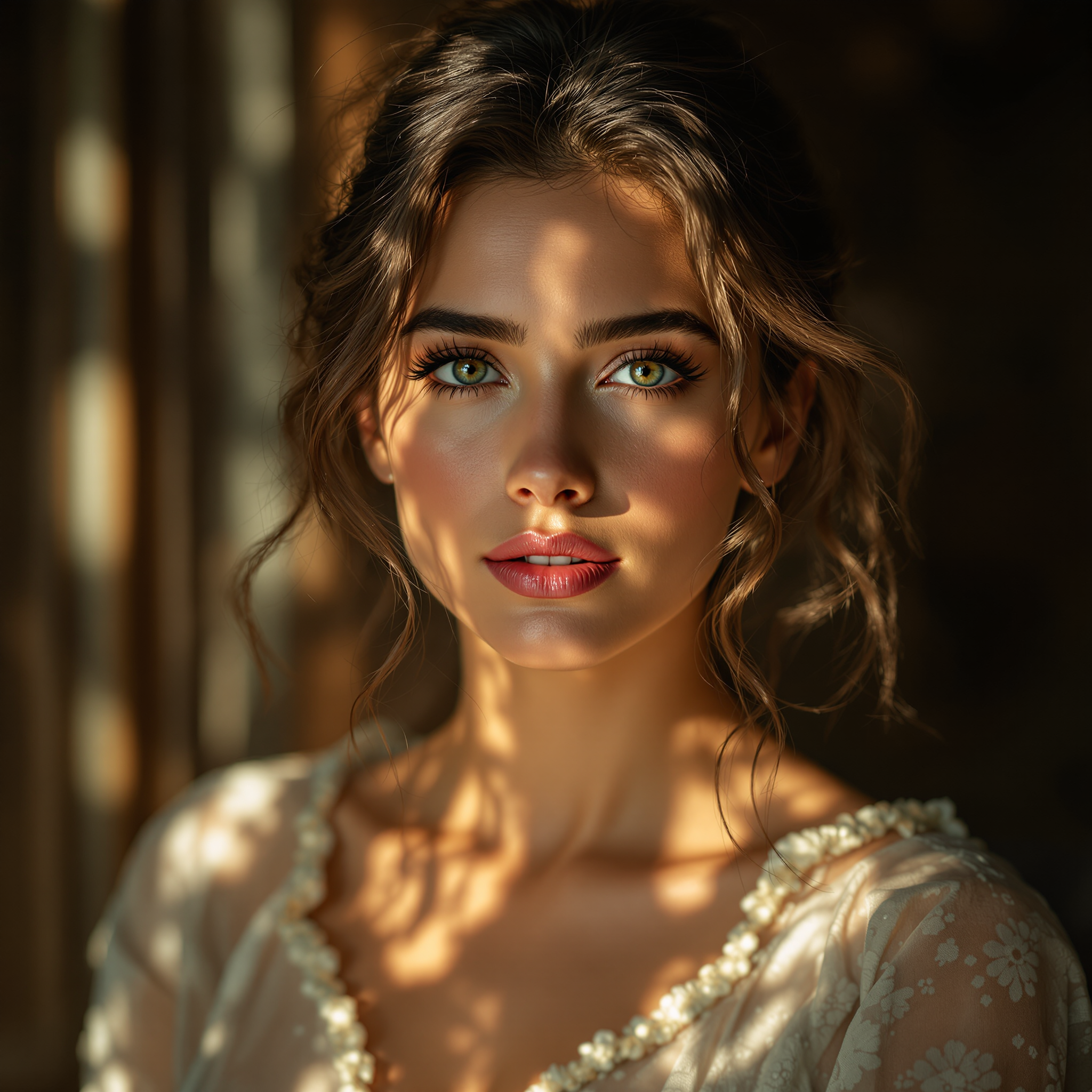
Now go to an AI image generator like Google Gemini.
Upload your face photo and paste the prompt generated earlier.
The AI will generate an image where:
- The model looks like you
- The jewellery is visible
- The pose matches the reference
- The lighting is similar to the original advertisement
Download the best result.
This becomes your base AI model image.
Step 5: Create Multiple Camera Angle Images
A video needs multiple camera angles.
To create them, upload two images into ChatGPT:
- Your generated AI model image
- A reference image with the desired camera angle
Then give this instruction:
“Use the pose, camera angle, and lighting from the second image, but keep the model and background from the first image.”
ChatGPT will generate a new prompt containing:
- Camera angle description
- Model pose
- Lighting details
Copy this prompt.
Then paste it again into Google Gemini with your generated model image.
This will produce a new image with the same model but a different camera angle.
Repeat this process to generate all required frames.
Step 6: Prepare Frames for Video Animation
Now you will have multiple images like:
- Frame 1
- Frame 2
- Frame 3
- Frame 4
Each image represents a scene of your video.
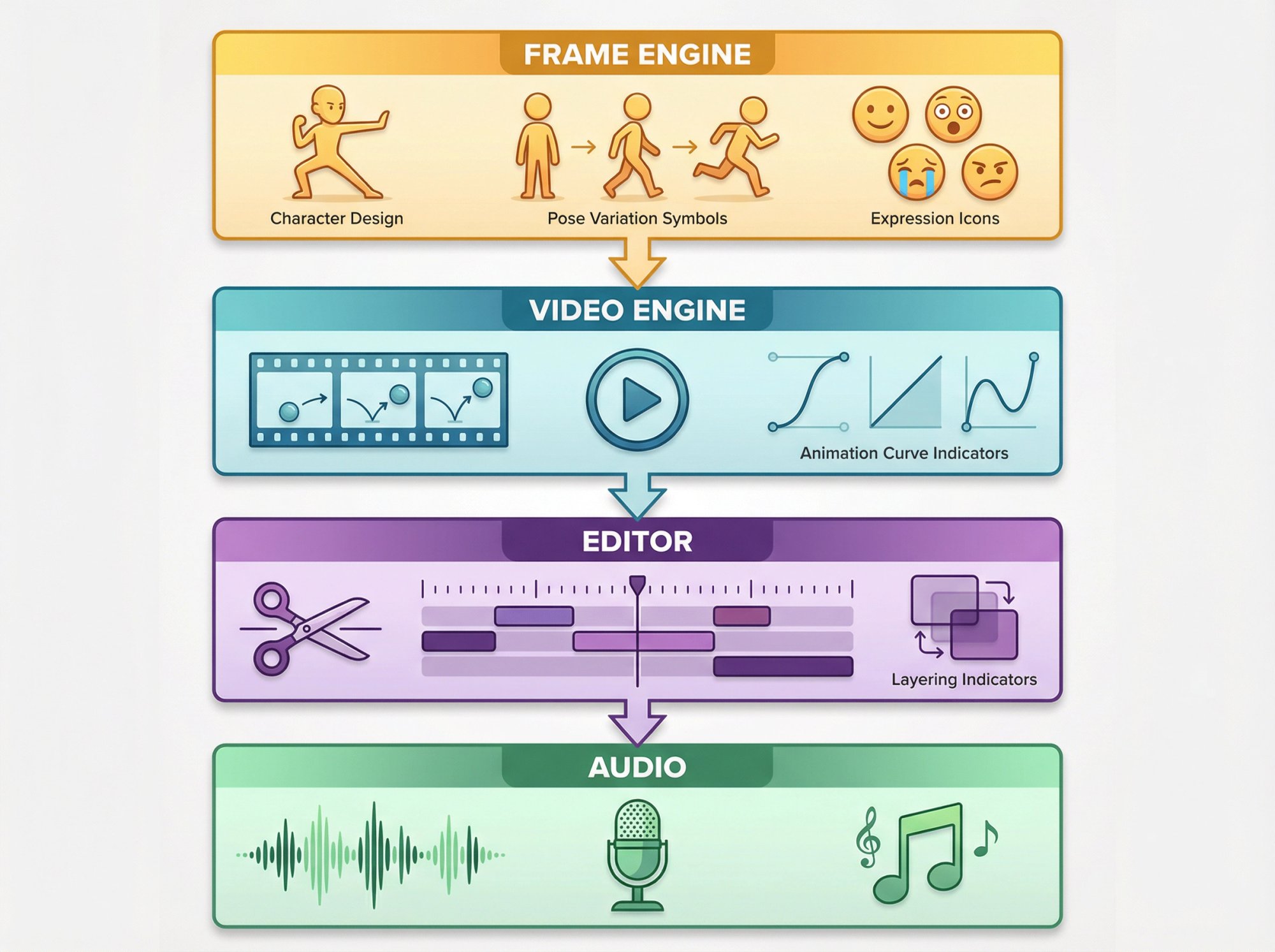
Now the goal is to add motion between these frames.
Step 7: Generate Motion Prompts
Upload Frame 1 and Frame 2 into ChatGPT.
Then give a simple instruction like:
“Create motion from the first frame to the second frame. The model slowly turns elegantly and the lights gradually focus on the face. This will be used for an 8-second video.”
ChatGPT will generate a motion prompt describing:
- Camera movement
- Model movement
- Lighting transition
Step 8: Convert Images into Video
4
Now open Google Flow.
Upload:
- Frame 1
- Frame 2
Paste the motion prompt generated by ChatGPT.
The AI will generate a short cinematic animation.
Then repeat the process:
- Frame 2 → Frame 3
- Frame 3 → Frame 4
This creates a smooth continuous video.
Step 9: Combine All Clips into Final Advertisement
Once all clips are generated:
- Combine them in sequence
- Add music
- Add brand logo
- Add jewellery close-ups
Now you have a complete AI jewellery advertisement video.
Final Result
Using this AI workflow you can create:
- Jewellery ads
- Fashion brand ads
- Cosmetic product ads
- Personal brand influencer videos
All without hiring models or production teams.
AI tools like Google Gemini, Google Flow, and OpenAI tools like ChatGPT make the process extremely fast and affordable.
Conclusion
AI is transforming how advertisements are created. What once required large budgets and professional studios can now be done by a single creator using AI tools.
By combining AI image generation, prompt engineering, and frame-to-video animation, you can create highly realistic AI influencer videos for your brand.
Whether you run a jewellery brand, fashion brand, or digital marketing agency, AI influencers can help you produce professional marketing content at a fraction of the traditional cost.
