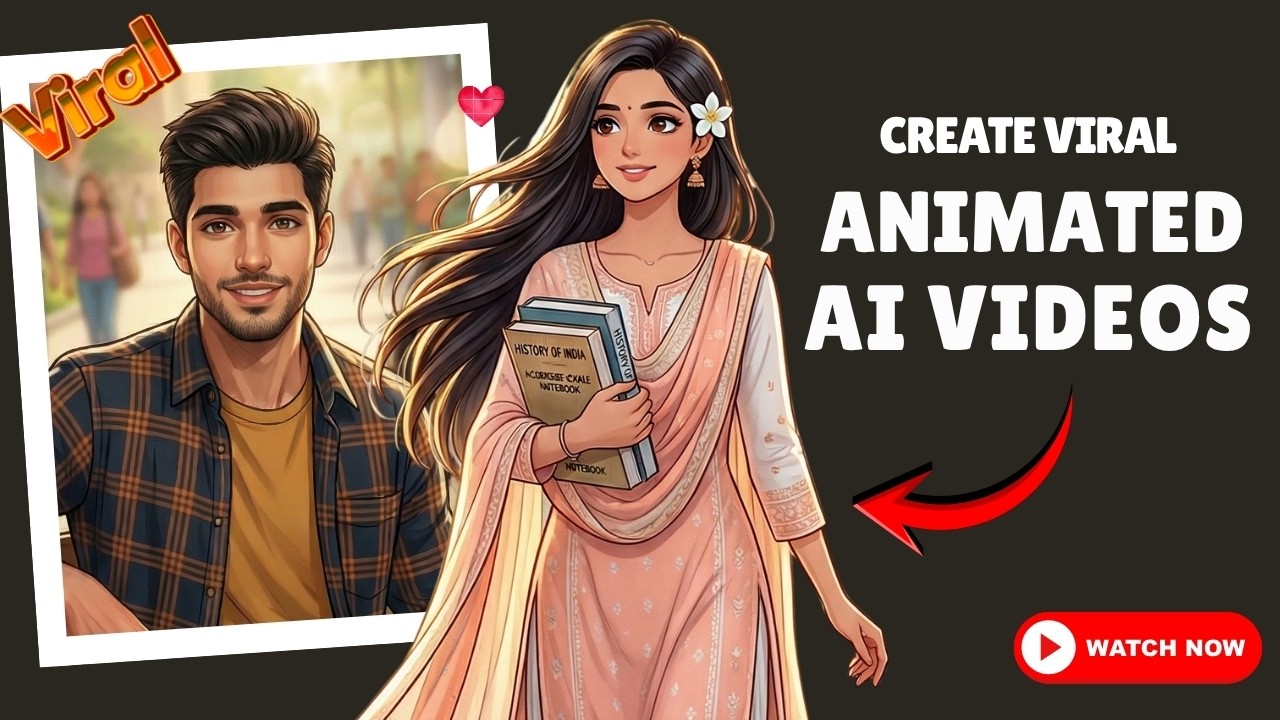
Aajkal social media par jo anime style music videos viral ho rahe hain, unhe dekhkar lagta hai ki shayad ye banana bahut difficult hoga. Pehle sach me ye process kaafi complex tha aur sirf experts hi aise videos bana paate the.
Lekin ab AI tools ki help se aap sirf kuch minutes me cinematic anime videos create kar sakte ho — wo bhi bina kisi heavy setup ke.
Is guide me hum ek simple aur powerful workflow dekhenge jisse aap apne khud ke viral AI anime videos bana sakte ho.
🎬 Step 1: Story Create Kare (ChatGPT)
Sabse pehle aapko ek strong story chahiye.
ChatGPT me jaakar clearly likho:
- Story concept (Love story, emotional, etc.)
- Characters (Indian, college students, etc.)
- Environment (college campus, city, etc.)
👉 Important: Story ko scene-wise divide karna bahut zaroori hai
Example Prompt:
Create a romantic anime style love story set in an Indian college campus.
Divide the story into 5 scenes.
Give detailed image prompts for each scene with emotions, lighting and camera angles.
🎨 Step 2: Image Generate Kare (Gemini / Any AI Tool)
Ab ChatGPT se mile prompts ko image generator me use karo.
👉 Pro Tip:
Style select karne se zyada important hai prompt clarity
Example Image Prompt:
A cinematic anime style scene of a handsome Indian college boy standing with friends,
suddenly noticing a girl walking towards him,
college campus background,
soft sunlight, emotional vibe,
depth of field, ultra detailed, 4k
👉 Agar output perfect nahi aaye:
- Prompt refine karo (jaise: “college campus, not village”)
- Specific details add karo
🔁 Step 3: Character Consistency Maintain Kare
Har next scene me:
- Previous generated image upload karo
- New prompt paste karo
👉 Isse:
- Same characters maintain rahenge
- Story realistic lagegi
✏️ Step 4: Fix & Edit Prompts
Agar koi issue aaye:
- Direction change
- Expression change
- Background issue
To simple edit karo:
Example Fix Prompt:
Make the boy look towards the camera,
no floating hair,
natural expression,
same character consistency
🎥 Step 5: Motion Add Kare (Video Generation)
Ab images ko motion dena hai.
Use tools:
- Kling AI
- Veo / Flow
- Runway ML
Process:
- Start frame upload karo
- (Optional) End frame upload karo
- Motion prompt paste karo
🎬 Motion Prompt Example:
The boy is laughing with his friends,
suddenly his eyes shift forward,
he freezes for a moment,
camera slowly zooms in,
soft wind blowing,
cinematic emotional lighting,
no cuts, smooth motion
✂️ Step 6: Final Editing
Sab clips ko:
- DaVinci Resolve / CapCut me import karo
- Music add karo
- Sequence arrange karo
👉 Final output:
- Viral anime music video ready 🎉
🔥 Full AI Workflow (Shortcut)
- ChatGPT → Story + Prompts
- Gemini → Images
- ChatGPT → Motion Prompts
- Kling / Veo → Animation
- Editor → Final Video
💡 Pro Tips (Game Changer)
- Prompt = Result (sabse important)
- Scene-wise kaam karo
- Same image reference use karo consistency ke liye
- Motion smooth rakho (no cuts)
🎯 Ready-to-Use Master Prompt
Agar tum direct start karna chahte ho to ye use karo:
Create a 5 scene romantic anime story set in an Indian college.
Each scene should include:
- detailed image prompt
- emotions
- lighting
- camera angle
- character consistencyAlso generate motion prompts for each scene suitable for AI video tools like Kling or Veo.
🚀 Conclusion
AI ne video creation ko completely transform kar diya hai.
Ab aap bina kisi expensive setup ke cinematic anime videos bana sakte ho aur social media par viral ho sakte ho.
Agar aap creator ho, to ye workflow aapke content ko next level pe le ja sakta hai.
