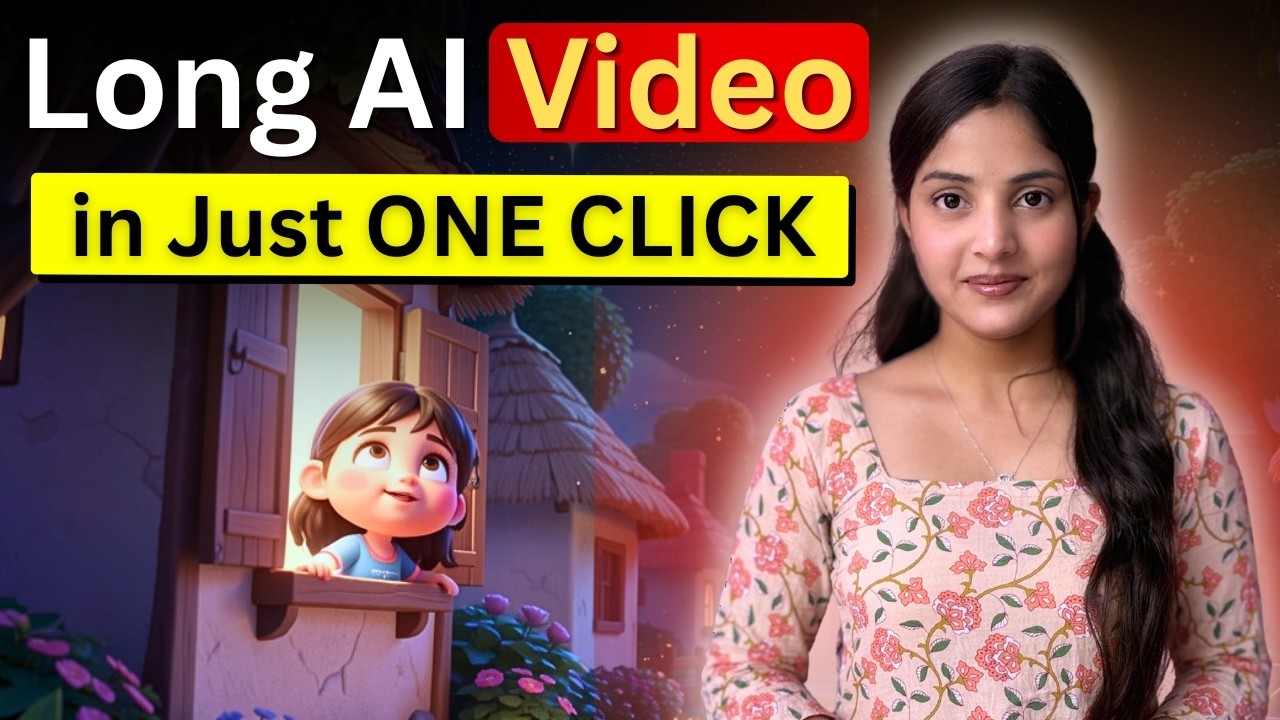
In today’s fast-paced digital world, video content is king. Whether you’re a content creator, digital marketer, or business owner — creating engaging videos quickly can give you a massive advantage.
But what if you could create a fully animated, voiceover-based video just by pasting a story? 🤯
Yes, it’s now possible with modern AI tools.
In this blog, we’ll explore how you can create long AI videos in one click using a powerful and FREE AI video generator — step-by-step.
🎯 What Is an AI Video Generator?
An AI video generator is a tool that can:
- Convert your text or story into a complete video
- Add animations, scenes, and transitions
- Generate voiceovers automatically
- Maintain consistent characters and storytelling
👉 In simple words:
You write → AI creates the video 🎬
🔥 Why This AI Tool Is a Game-Changer
Here’s why this tool is going viral:
✅ 1. No Editing Skills Needed
You don’t need Premiere Pro or After Effects
Everything is done automatically.
✅ 2. Scene-by-Scene Video Creation
AI divides your story into multiple scenes and generates visuals accordingly.
✅ 3. Automatic Voiceover
It adds human-like narration in your selected language.
✅ 4. Works on Mobile & Laptop
No heavy setup required — just open in browser.
✅ 5. Saves Time & Money
Create videos in 10–15 minutes instead of hours.
🛠️ Step-by-Step: How to Create AI Video in One Click
Let’s break it down 👇
🔹 Step 1: Open the Tool
- Go to Chrome
- Search for Focal ML
- Open the first website
🔹 Step 2: Choose Input Type
You’ll see 3 options:
- Idea
- Script
- JSON
👉 Choose Script for best results
🔹 Step 3: Paste Your Story
- Write your story using AI tools (like ChatGPT)
- Copy and paste it into the platform
🔹 Step 4: Add Models & Settings
Click on + icon and select:
- 🖼️ Image Model → Free option (like Flux)
- 🎥 Video Model → LTX
- 🎙️ Voice Model → 11 Labs Turbo
- 🌐 Language → Hindi / English / Any
🔹 Step 5: Customize Video
The tool will ask:
- Duration → (60–90 seconds recommended)
- Voice → Narrator
- Style → Example: 3D Cartoon / Cinematic / Realistic
🔹 Step 6: Generate Video
Now click Submit 🚀
AI will:
- Analyze your story
- Create scenes
- Generate images
- Add motion
- Sync voiceover
⏳ Time: 10–15 minutes
🎬 Final Output: What You Get
- Fully animated video
- Scene-wise storytelling
- Smooth transitions
- Voiceover synced with visuals
👉 Basically, a ready-to-upload YouTube or Reels video
✏️ Editing & Export
You can:
- Adjust scenes
- Change transitions
- Edit timing
Then:
- Click Export
- Choose 1080p quality
- Download your video
💰 Pricing (Free Credits System)
- 30 credits on signup
- +10 credits daily
- No upfront payment required
👉 Perfect for beginners & creators
📈 Who Should Use This Tool?
This AI video generator is perfect for:
- 🎥 YouTube creators
- 📱 Instagram Reels creators
- 🧠 AI content creators
- 📢 Digital marketers
- 🏢 Businesses & agencies
💡 Pro Tips to Go Viral
Want better results? Follow these tips:
- Use emotional storytelling
- Keep video under 90 seconds
- Choose engaging hooks in first 3 seconds
- Use clear voice narration
- Add trending topics
🔥 Final Thoughts
AI is changing the way we create content.
With tools like this, you don’t need:
- Editing skills
- Expensive software
- A big team
👉 Just your idea = complete video
