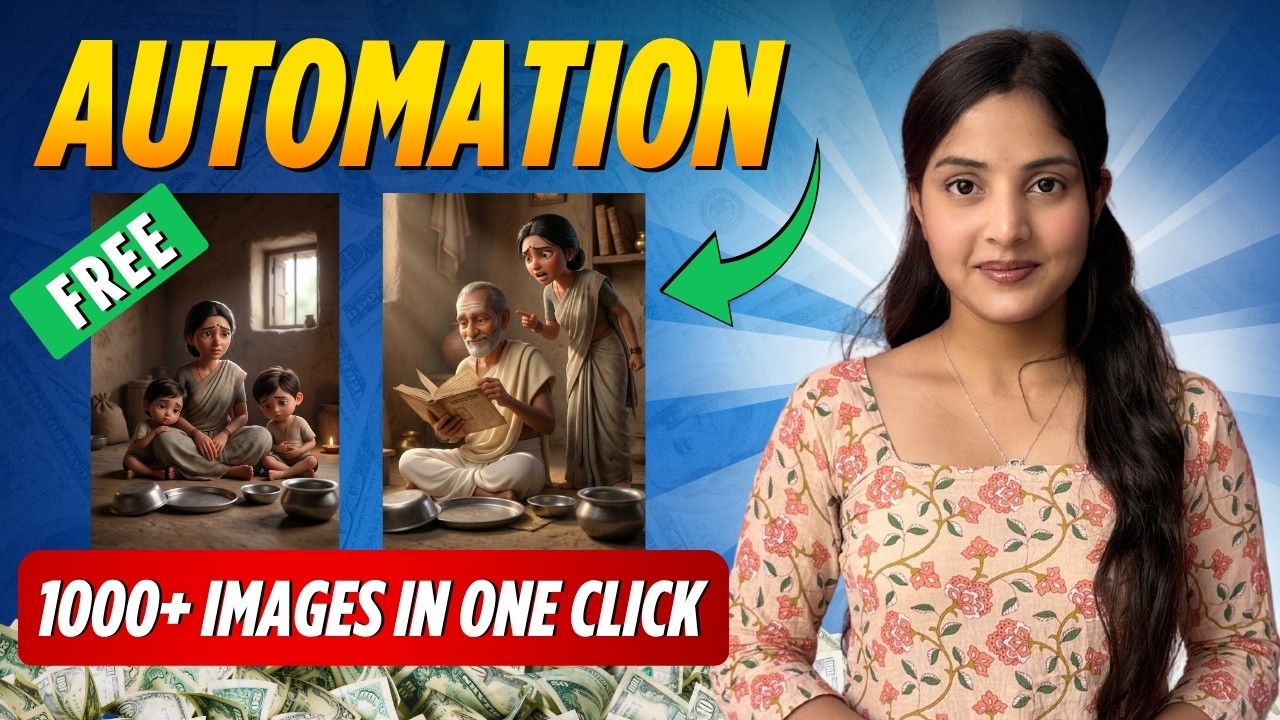
If you create AI story videos, animated shorts, YouTube storytelling content, or cinematic reels, then you already know the biggest problem—generating images again and again for every single scene takes too much time. Copy prompt, paste prompt, wait for generation, fix mistakes, regenerate… and after some time, your full energy is gone.
Most creators spend 1–2 hours just generating images for one short story. And the worst part? Character consistency breaks. The same person looks different in every scene.
But what if you could generate all your AI images in one click with premium quality and perfect character consistency?
Yes—this is possible.
Today, smart creators are using a simple AI automation workflow that turns hours of manual work into just a few minutes. No paid subscription required. No complex editing. Just smart automation.
Step 1: Create Your Story in ChatGPT
Start by asking ChatGPT to write your short story and divide it into scene-by-scene structure.
For example:
“Write a short emotional story and divide it into 7 scenes with detailed image prompts for each scene.”
Now instead of writing prompts manually, ChatGPT gives you:
• Scene-wise breakdown
• Full image prompts
• Better visual storytelling structure
This becomes your complete production blueprint.
Step 2: Generate Character Description Prompts
Now the most important part—character consistency.
Ask ChatGPT:
“Give names to all characters in this story and create detailed character description prompts for each one.”
This helps define:
• Face structure
• Outfit style
• Age
• Expressions
• Body type
• Visual personality
This step is what separates normal AI creators from professional AI storytellers.
Step 3: Create Character Reference Images First
Before generating scenes, first create the main characters separately.
Use the character description prompts inside your AI image tool and generate their portraits.
You can choose:
• Realistic style
• 3D Pixar style
• Cartoon style
• Anime style
• Cinematic commercial style
Download the best versions.
These become your reference images.
Step 4: Upload Reference Images for Perfect Consistency
Now upload these character images back into your AI tool.
This tells the AI:
“Use this exact person in every scene.”
This is the real secret behind consistent characters.
Without this step:
Every scene = different face
With this step:
Every scene = same character, same identity
This changes everything.
Step 5: Define Your Visual Style
Now choose your final storytelling style.
Examples:
• Ultra realistic cinematic
• Disney Pixar 3D
• Anime style
• Hyper-real emotional storytelling
• Luxury commercial ad style
You can define style using:
• text prompts
or
• reference images
This keeps your full story visually professional.
Step 6: Use Automation Instead of Manual Copy-Paste
This is where the magic happens.
Instead of manually pasting prompts one by one, use a browser automation extension that automatically processes all prompts together.
Simply:
• paste all prompts together
• click start
• let automation work
Now the AI generates every scene automatically while you relax.
No repeated copy-paste.
No wasted energy.
No boring manual work.
Step 7: Review and Select Final Images
Not every AI output is perfect.
Sometimes:
• extra fingers appear
• wrong hands appear
• anatomy breaks
• background issues happen
This is normal.
Simply review all generated images and select the best ones.
Usually, most scenes come out extremely strong—especially when character references are uploaded correctly.
Why This Method Is Powerful
This workflow helps creators:
• save hours of work
• improve output quality
• maintain character consistency
• generate premium cinematic visuals
• create professional YouTube content faster
• scale content production without burnout
This is perfect for:
• YouTube Shorts creators
• Storytelling channels
• AI animation creators
• CGI ad creators
• Kids story channels
• Instagram Reel creators
• AI filmmakers
Final Truth: Smart Work Beats Hard Work
AI is not made for more hard work.
AI is made for smart work.
If you are still generating images one by one manually, you are wasting your biggest advantage.
The creators who grow fastest are not working harder—they are building systems.
Automation is the real game.
Create once.
Automate forever.
That is how modern AI creators scale.
