
Introduction
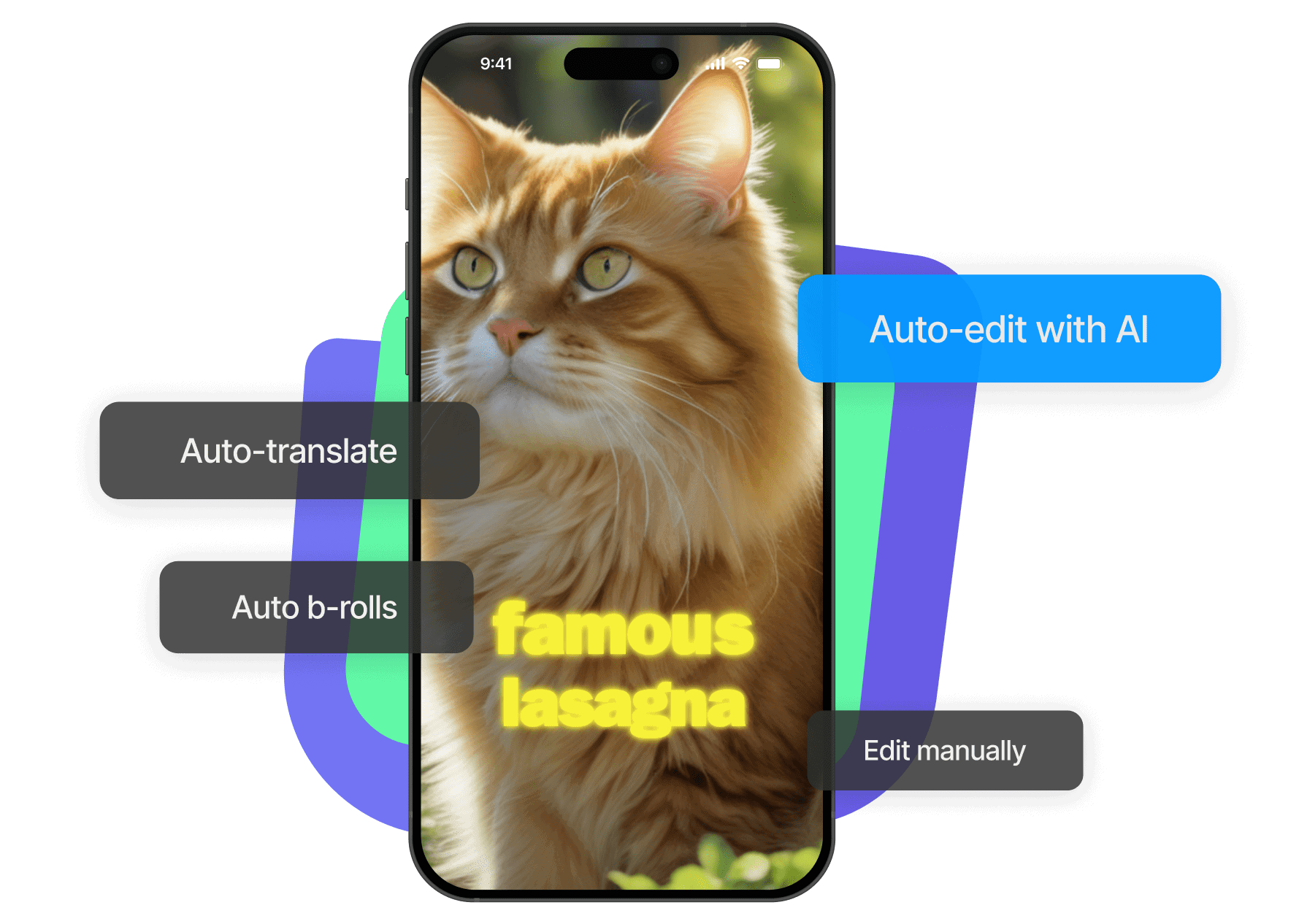
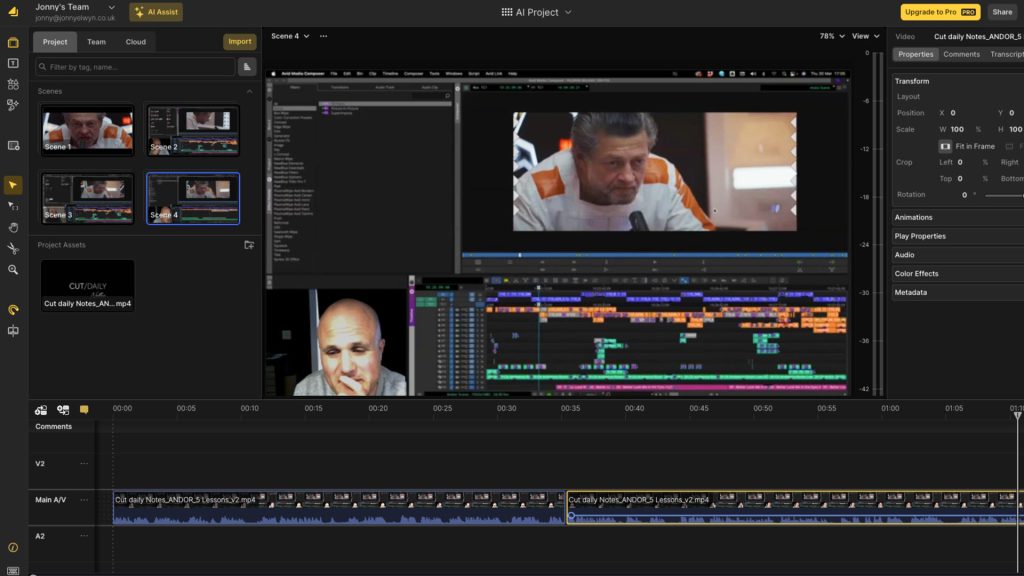
Video editing is often time-consuming and complex. AI video editing changes this by automating tasks like cutting, transitions, color correction, and sound syncing. This blog explains how AI video editing works and why it is ideal for beginners.
What Is AI Video Editing?
AI video editing uses algorithms to analyze footage and make editing decisions automatically. It identifies important moments and removes unnecessary parts.
Key Features of AI Video Editing
- Auto-cut and trim
- Background removal
- Noise reduction
- Auto subtitles
- Smart transitions
How AI Decides What to Edit
AI analyzes:
- Facial expressions
- Audio peaks
- Scene changes
- Motion patterns
Benefits for Beginners
- No editing skills needed
- Faster turnaround
- Professional look
- Saves effort
Use Cases
- Vlogs
- Educational videos
- Marketing content
- Social media clips
Limitations
- Less creative control
- Needs manual refinement sometimes
Conclusion
AI video editing simplifies the entire process and allows beginners to focus on creativity instead of technical work.
