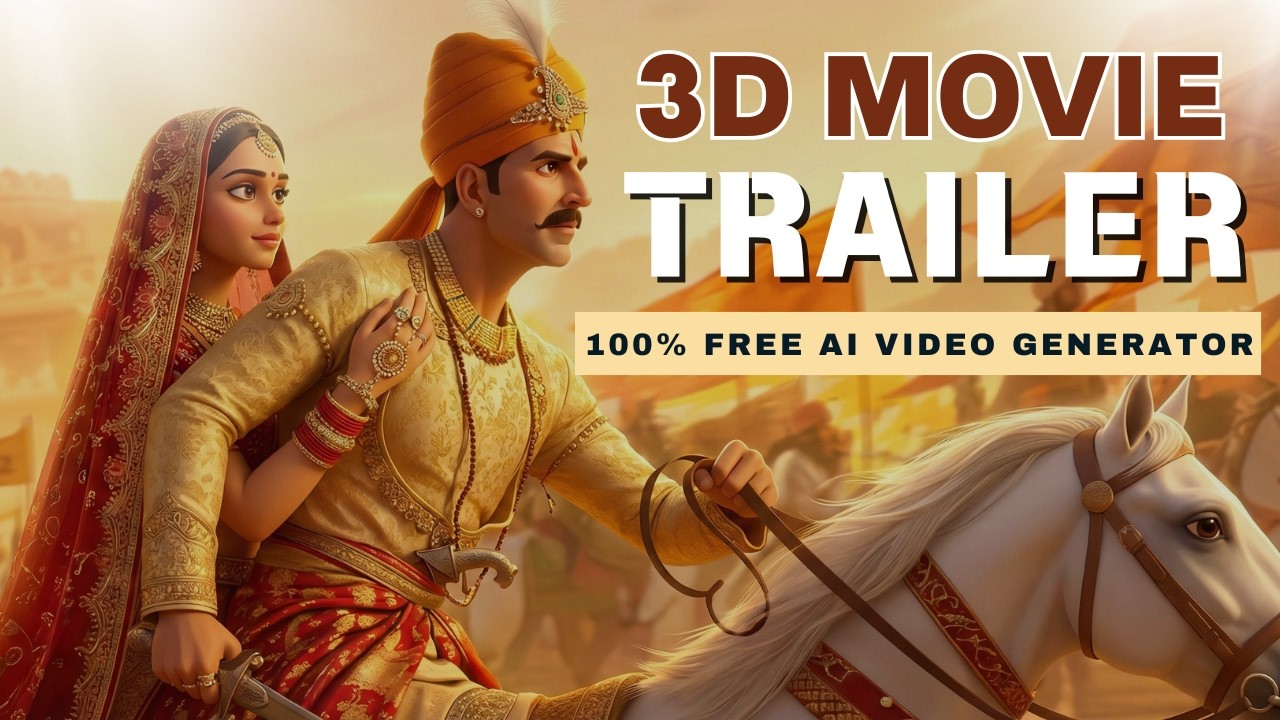
Artificial Intelligence has completely transformed video creation. Today, you don’t need a camera, actors, or expensive editing software to create a professional cinematic film trailer. With FREE AI tools, anyone can turn their imagination into a high-quality movie-style trailer.
Whether you are a YouTuber, filmmaker, content creator, or AI enthusiast, this guide will show you exactly how to create a cinematic trailer using 100% free AI tools.
Watch the Full Video Tutorial
👉 https://www.youtube.com/watch?v=UpezFV-y44o
This tutorial shows the complete step-by-step process in action.
Real Example: Creating a Historical Cinematic Trailer Using AI
Let’s say you want to create a cinematic trailer based on a historical warrior like Prithviraj Chauhan.
Your trailer will include:
- Cinematic character scenes
- Powerful dialogue voice-over
- Epic background music
- Realistic motion animation
- Professional editing
All of this can be created using free AI tools.
Step 1: Prepare Your Script and Trailer Concept
Before generating visuals, you must create a clear script and story concept.
Decide:
- What story you want to tell
- Who the main character is
- What scenes will appear
- What dialogue or narration will be used
- What type of music will fit the mood
Example cinematic dialogue:
“Successor is chosen by capability, not by relationship.”
Powerful dialogue makes your trailer feel cinematic and emotional.
You can watch reference trailers from movies to get inspiration.
Step 2: Generate Cinematic Images Using AI
Once your script is ready, generate cinematic images based on your scenes.
You can use FREE AI image generators like Google Gemini to create realistic visuals.
Example prompt:
- cinematic warrior king
- realistic lighting
- dramatic expression
- holding sword
- cinematic atmosphere
- 9:16 aspect ratio
- no text
If the image is not perfect, refine your prompt.
Example improvement prompt:
- add royal tilak
- intense facial expression
- battlefield background
AI improves results when you give clear instructions.
Step 3: Convert Images into Cinematic Motion Videos
Now convert your static images into moving cinematic video clips using AI video tools.
Example motion instructions:
- slow cinematic zoom in
- character pulls sword
- dramatic lighting
- cinematic camera movement
- battlefield smoke effect
This creates realistic movie-style motion.
If results are not perfect, try multiple generations or modify instructions.
Step 4: Generate Cinematic Voice-Over Using AI
Voice-over is one of the most important parts of a trailer.
You can use FREE AI voice generators like ElevenLabs.
Simply paste your script and choose voice settings.
Example dialogue:
“Tell the Sultan… if he wants war, we are ready.”
Choose:
- cinematic voice tone
- deep emotional voice
- correct language and accent
This makes your trailer sound like a real movie.
Step 5: Generate Epic Background Music Using AI
Background music creates emotion and cinematic impact.
AI music generators can create custom trailer music.
Example music prompt:
- epic cinematic music
- orchestral background score
- emotional war trailer music
This adds professional cinematic quality.
Step 6: Combine Everything Using Video Editing
Now combine all elements in a video editor:
- Add video clips
- Add voice-over
- Add background music
- Arrange scenes properly
- Adjust timing and cuts
After editing, your cinematic trailer will be ready.
Final Result: Professional Cinematic Trailer Created Using AI
Your final trailer will include:
- Realistic characters
- Cinematic camera motion
- Professional voice-over
- Epic background music
- Movie-level visual quality
And the best part — it’s completely FREE.
Benefits of Creating Trailers Using AI
- No camera required
- No actors required
- No expensive software
- Beginner friendly
- Unlimited creative possibilities
- Fast video production
AI makes cinematic video creation accessible to everyone.
Who Should Use This Method?
This method is perfect for:
- YouTube creators
- Filmmakers
- Content creators
- AI video creators
- Instagram reel creators
- Digital marketers
- Storytelling creators
Learn Complete Process from Video Tutorial
Watch the full tutorial here:
👉 https://www.youtube.com/watch?v=UpezFV-y44o
This video explains everything step-by-step with real examples.
Conclusion
AI has made cinematic trailer creation easier than ever. You can now create professional-quality movie trailers using free AI tools without needing expensive equipment or technical skills.
If you are a content creator or filmmaker, learning AI video creation can help you produce high-quality videos faster and grow your audience.
