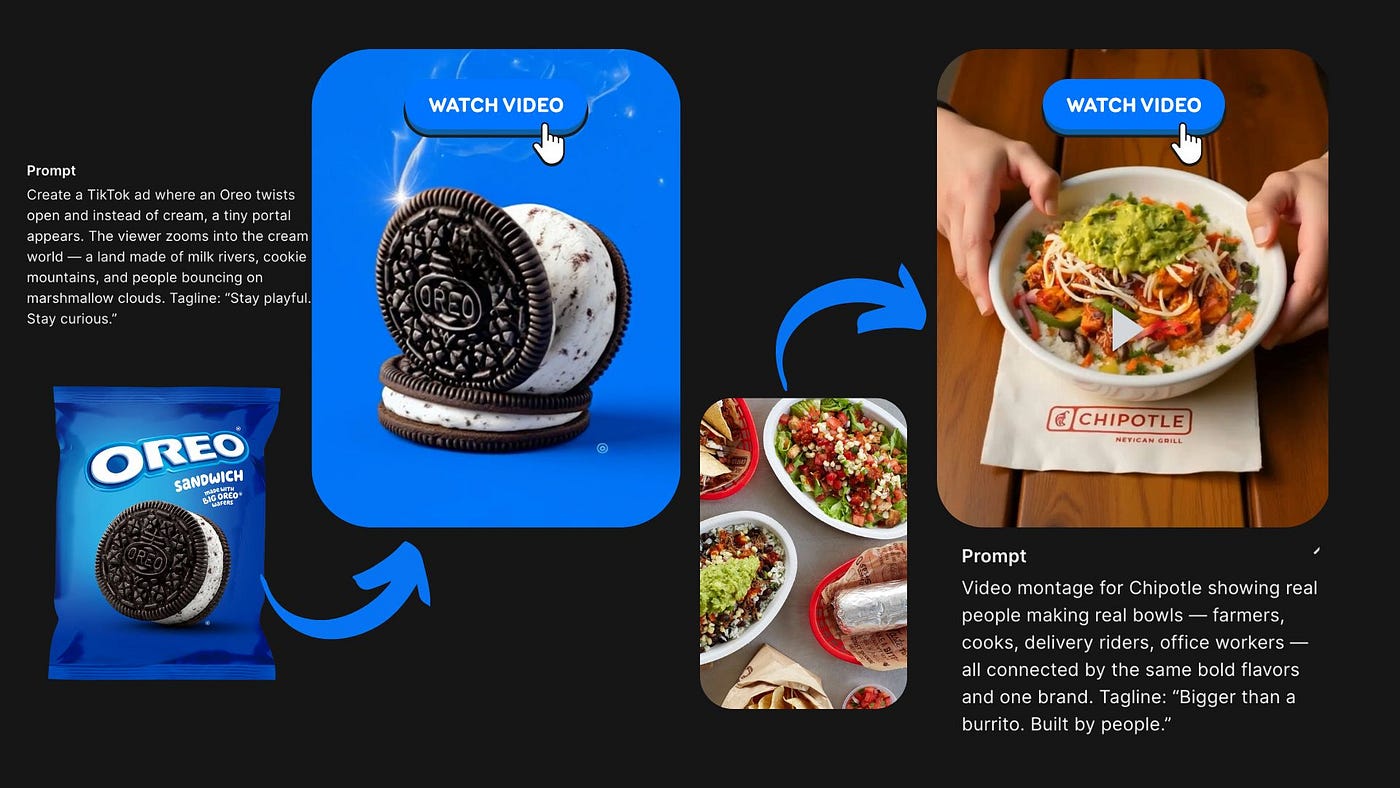
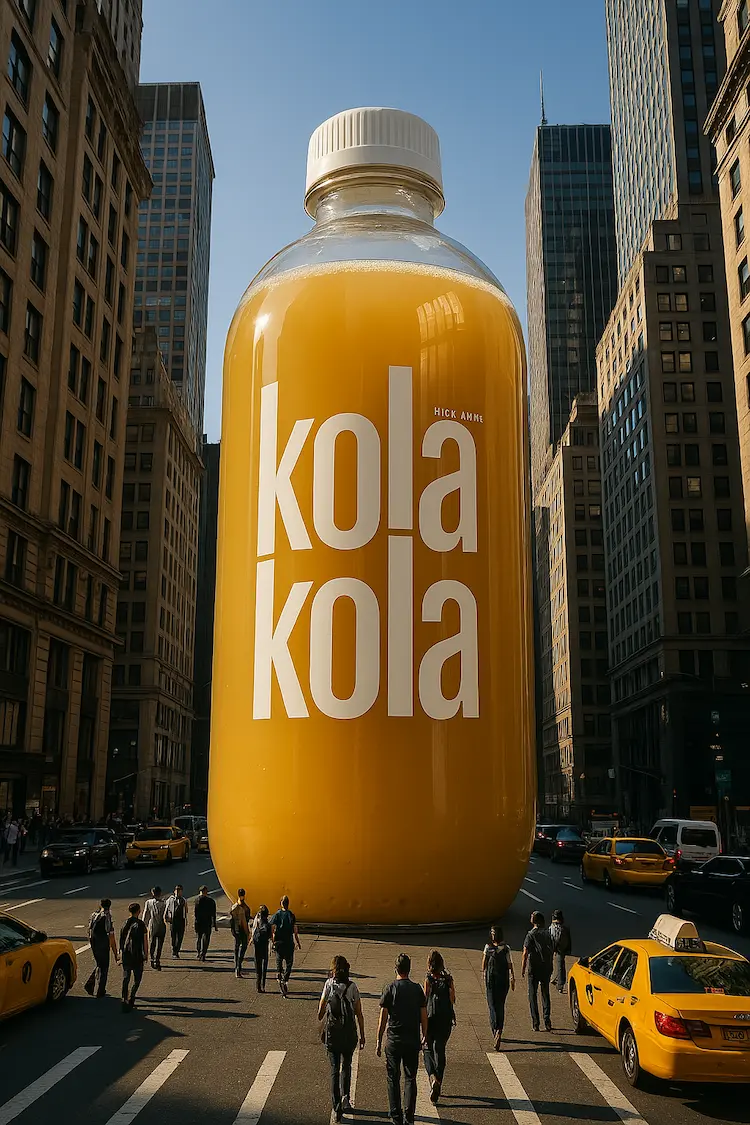
Creating high-quality advertisement videos usually requires heavy camera setups, professional lighting, multiple cameras, and a big budget.
But today, AI has completely changed this process.
In this guide, you’ll learn how to create professional-looking AI advertisement videos for free, using reference ads, smart image replacement, and AI motion tools — without any paid software.
🎥 Watch the Full Video Tutorial
Before following the steps, watch this complete practical demonstration:
👉 YouTube Video:
This video shows the real workflow used to compare a high-budget human-made ad with an AI-generated ad and proves how powerful AI ads can be.
🚀 What Is an AI Advertisement Video?
An AI Advertisement Video is a promotional video created using:
- Reference ads
- AI image generation
- Camera-angle-based motion
- Simple editing techniques
Instead of shooting a real ad, AI allows you to replicate professional ad styles digitally.
🎯 Why AI Ads Are a Game-Changer
AI ads are powerful because they:
- Save time and money
- Don’t require studios or cameras
- Work perfectly for small brands
- Can be created in minutes
- Are scalable for multiple products
You can create:
- CGI ads
- Product ads
- Social media reels
- Brand commercials
🧠 Step-by-Step Process to Create AI Ads
Step 1: Choose a Reference Advertisement
First, find a professional ad video that:
- Uses multiple camera angles
- Has good lighting and composition
- Matches your product category
This reference will guide your AI visuals.
Step 2: Take Screenshots of Key Camera Angles
From the reference video:
- Capture screenshots of different scenes
- Focus on angles, framing, and composition
- Use these screenshots as base frames
These images act as visual blueprints.
Step 3: Upload Images to ChatGPT
Now:
- Upload one reference screenshot
- Upload your product image (any product of your choice)
Example:
- If the reference ad is for noodles, use any noodle product
- Product type must visually match the reference setup
Step 4: Write a Simple Instruction
Use a clean instruction like:
“Replace the product in the reference image with my product.
Keep the camera angle, lighting, setup, and background exactly the same.”
ChatGPT will generate a detailed AI prompt automatically.
Step 5: Generate the Image Using AI
Now:
- Copy the generated prompt
- Paste it into an AI image generator (like Google Nano / Gemini)
- Upload both images again
- Generate the image
✅ Result:
Same professional setup, your product perfectly placed
✨ Image Enhancement & Cleanup (Important Step)
Sometimes:
- Screenshots include icons (volume, UI marks)
- Image quality looks low
Use Canva to Fix This:
- Upload the generated image
- Use Magic Eraser to remove unwanted icons
- Use Image Upscaler to enhance quality
- Adjust cropping and alignment
This makes the image look original and professional.
🎬 Giving Motion to Images (Video Creation)
Once all images are ready:
Step 1: Upload Images in Sequence
Upload all cleaned images scene-by-scene into ChatGPT.
Step 2: Ask for Motion Prompts
Give a simple instruction like:
“Create cinematic motion prompts for these images.
Camera should move slow to fast, rotate, and stay focused on the product.”
ChatGPT will generate Google Flow-ready motion prompts.
Step 3: Generate Motion Using Google Flow
Inside Google Flow:
- Choose Frames to Video
- Upload one image
- Paste the motion prompt
- Generate video
Repeat this for all scenes.
🎞️ Editing for Perfection
AI videos may not be perfect initially, so editing is important.
You can:
- Cut unnecessary parts
- Reverse clips for better flow
- Add slow-motion or speed-up effects
- Combine best portions of each clip
Even average AI output becomes high-quality with smart editing.
🔥 Final Output Comparison
At the end, you’ll have:
- One real professional ad
- One AI-generated ad
Surprisingly:
- AI ad requires no heavy setup
- No budget
- Very little effort
- Still looks professional
💡 Key Takeaways
- You don’t need heavy prompts
- Reference images are enough
- AI can replicate professional ads
- Free tools are powerful
- Editing completes the magic
📌 Final Thoughts
AI advertisement creation is no longer futuristic — it’s practical and accessible today.
With the right reference, smart prompts, and free tools, anyone can create stunning ad videos.
This method is perfect for:
- Small businesses
- Content creators
- Digital marketers
- AI learners
