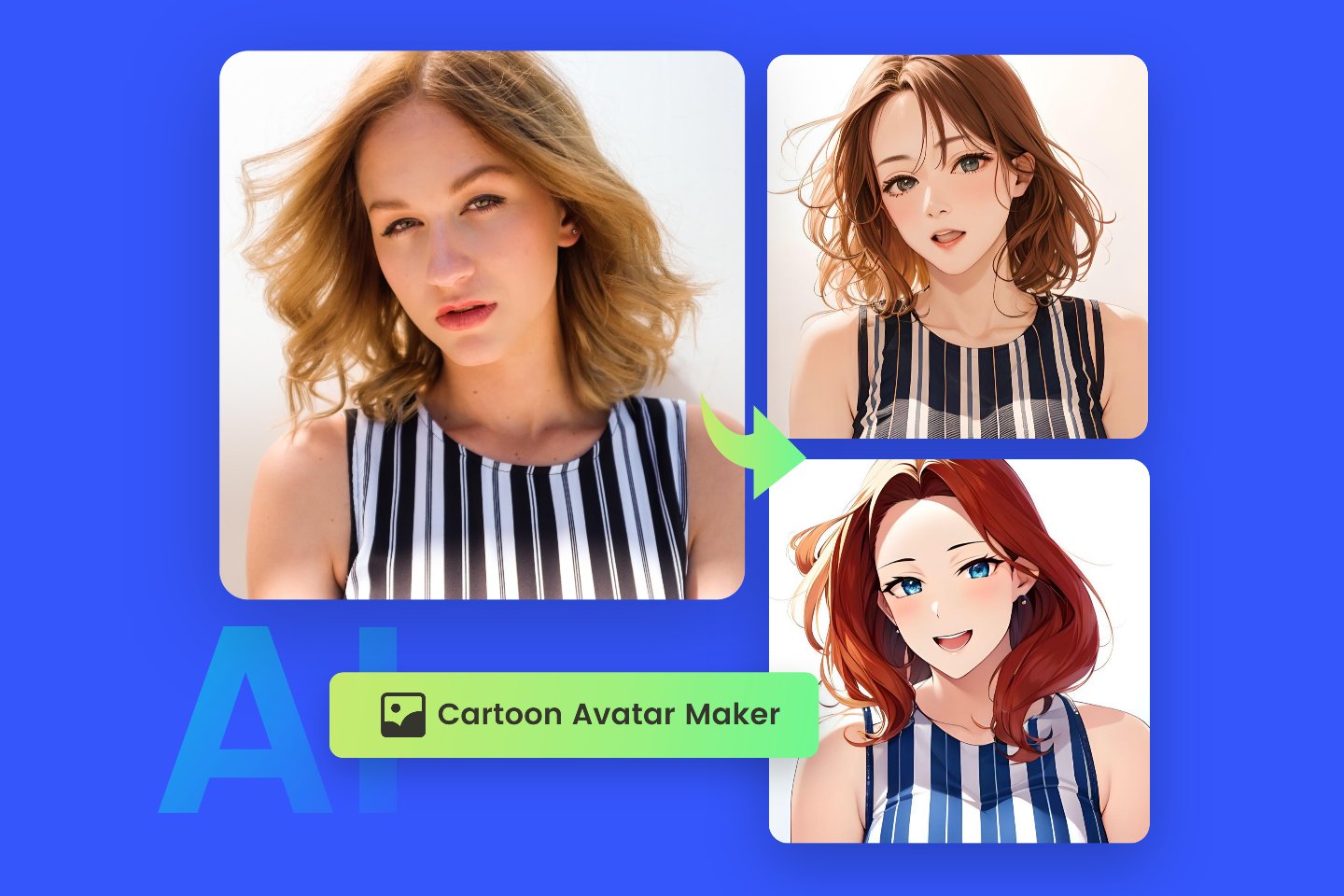


Have you seen those viral reels where people turn themselves into cute cartoon characters that talk, dance, and show expressions just like real humans?
The exciting part is — you can create the same thing yourself using AI, completely FREE.
In this blog, you’ll learn how to convert your photo into a cartoon character and animate it with voice, expressions, and gestures using free AI tools. No technical skills needed.
🎥 Watch the full video here:
👉 https://www.youtube.com/watch?v=2kCdVSZ-Fdc
What You Will Learn in This Tutorial
By the end of this guide, you’ll be able to:
- Convert your photo into a Pixar-style cartoon character
- Use a green screen background for easy video editing
- Animate your cartoon with dialogues, expressions, and gestures
- Make your cartoon speak in English or Hindi
- Create up to 5 AI animated videos per month for FREE
Step 1: Convert Your Photo into a Cartoon Using ChatGPT
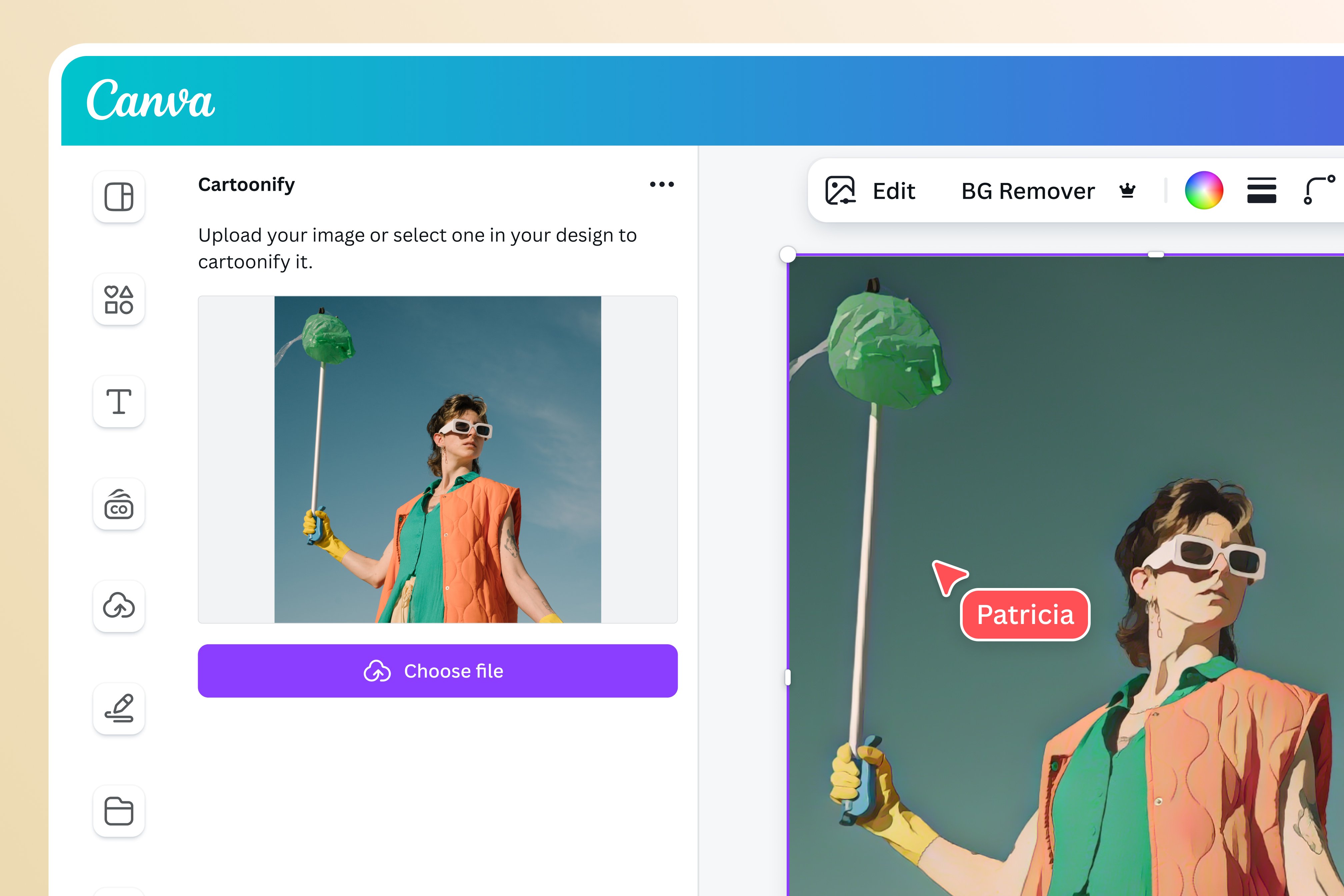


To begin, we first need to turn a normal photo into a cartoon version.
What You Need
- A clear photo of yourself (front-facing works best)
- ChatGPT with image upload enabled
How to Do It
- Open ChatGPT
- Upload your photo
- Write this simple instruction:
Prompt to use:
Convert this image into Pixar style with green screen background
Why Green Screen?
A green screen makes it very easy to remove or replace the background later while editing your video.
Result
ChatGPT will generate a cartoon version that looks exactly like you, including:
- Facial structure
- Outfit (even Indian outfits are captured perfectly)
- Overall likeness
Once done, download and save the cartoon image.
Step 2: Animate Your Cartoon Using Google Flow

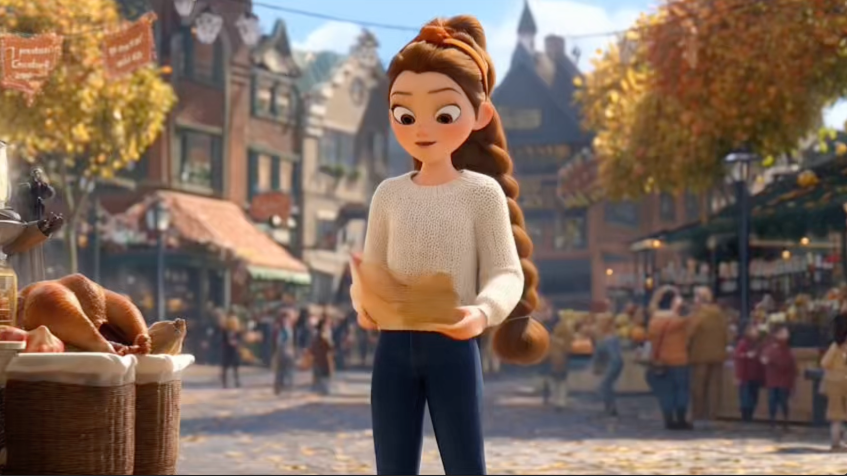

Now comes the fun part — bringing your cartoon to life.
Open Google Flow
- Go to Google Flow
- Click on New Project
- Select Text to Video
- Choose Frames to Video (because we’re using an image)
Step 3: Upload Cartoon Image & Set Frame


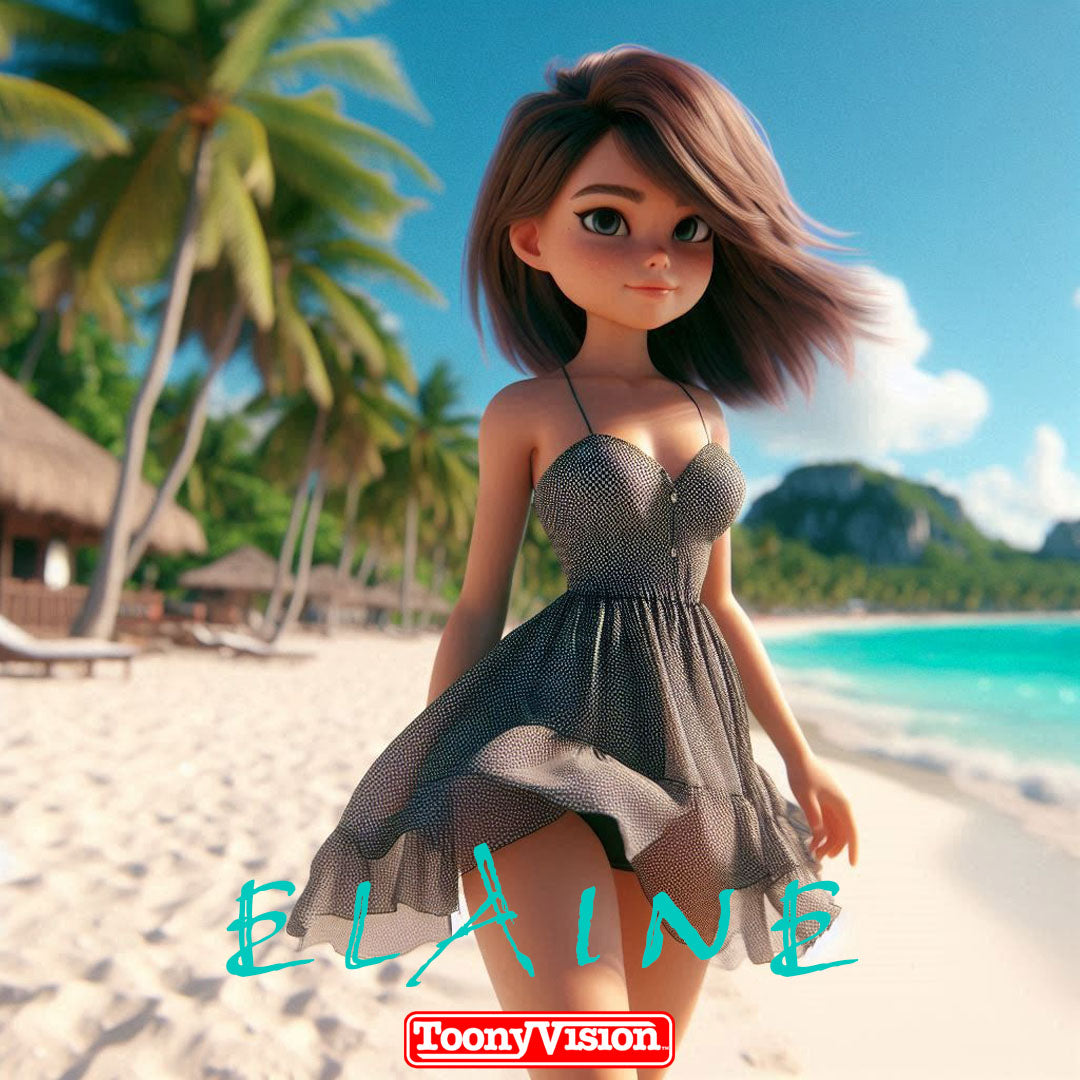
- Click the plus (+) icon
- Upload the cartoon image you created
- If the image is landscape, change it to portrait
- Crop and save
Now your cartoon character is ready for animation.
Step 4: Add Dialogue, Expressions & Gestures
This is where your cartoon becomes truly alive.
Example English Dialogue Prompt
Make my cartoon character say:
“I am your cartoon twin and I love to make you smile.”
Add natural facial expressions and hand gestures while speaking.
What Happens?
- The character speaks naturally
- Expressions match the dialogue
- Hand and face gestures look realistic
Click Submit, and your animated video will be generated.
Step 5: Yes, It Works in Hindi Too! 🇮🇳


Many people think AI only works well in English — but that’s not true.
Example Hindi Dialogue Prompt
नमस्ते। मैं हूं रिया।
मैं डांस कर सकती हूं, बोल सकती हूं, आंख भी मार सकती हूं।
Result
- Perfect Hindi pronunciation
- Indian facial expressions
- Natural gestures matching each word
This makes it ideal for Indian creators, reels, YouTube Shorts, and regional content.
How Many Free Videos Can You Create?
💡 Google Flow allows up to 5 videos per month for FREE
That’s more than enough to:
- Create reels
- Make YouTube Shorts
- Build Instagram content
- Surprise your audience with AI avatars
Best Uses of AI Cartoon Characters
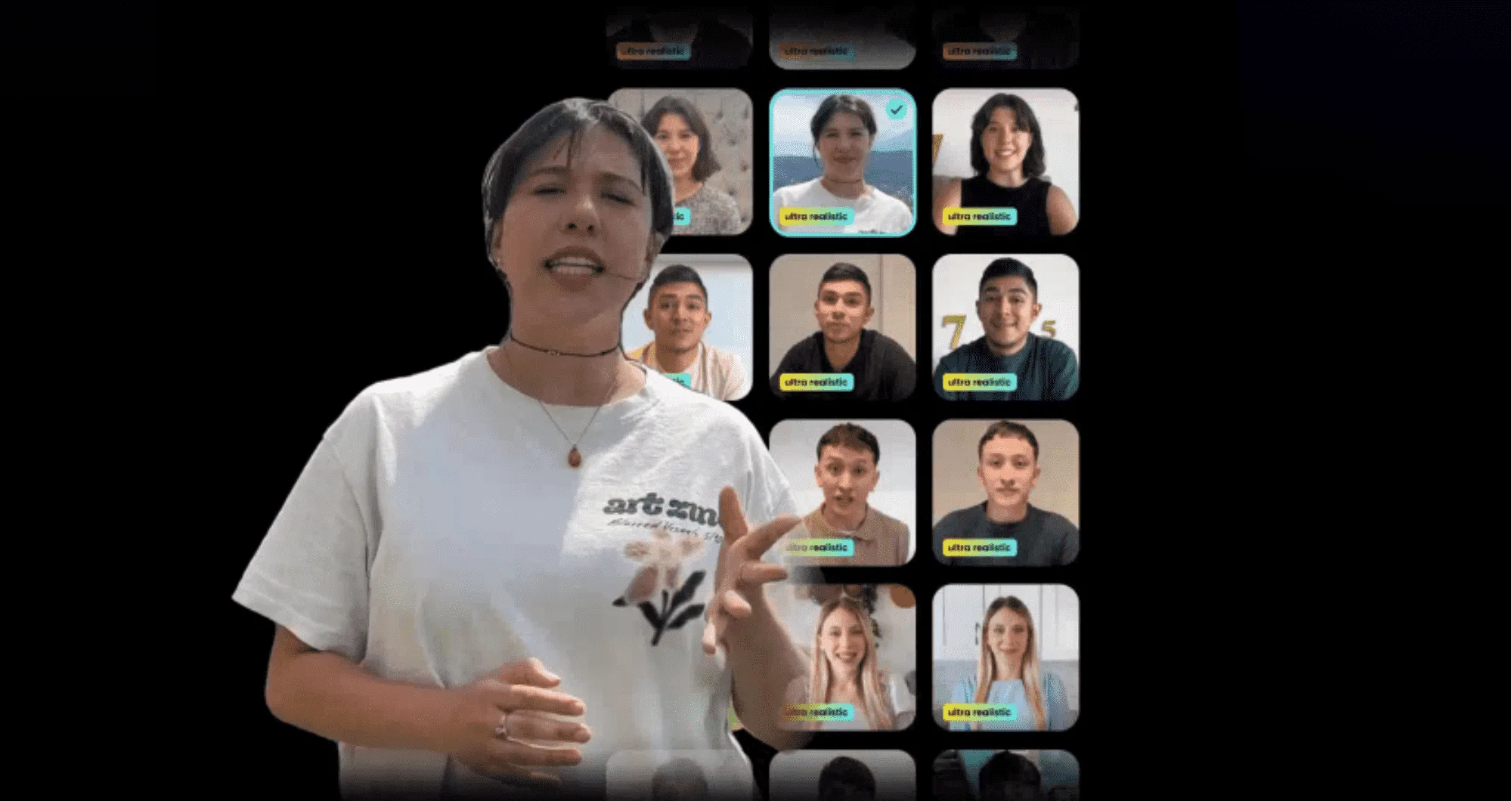
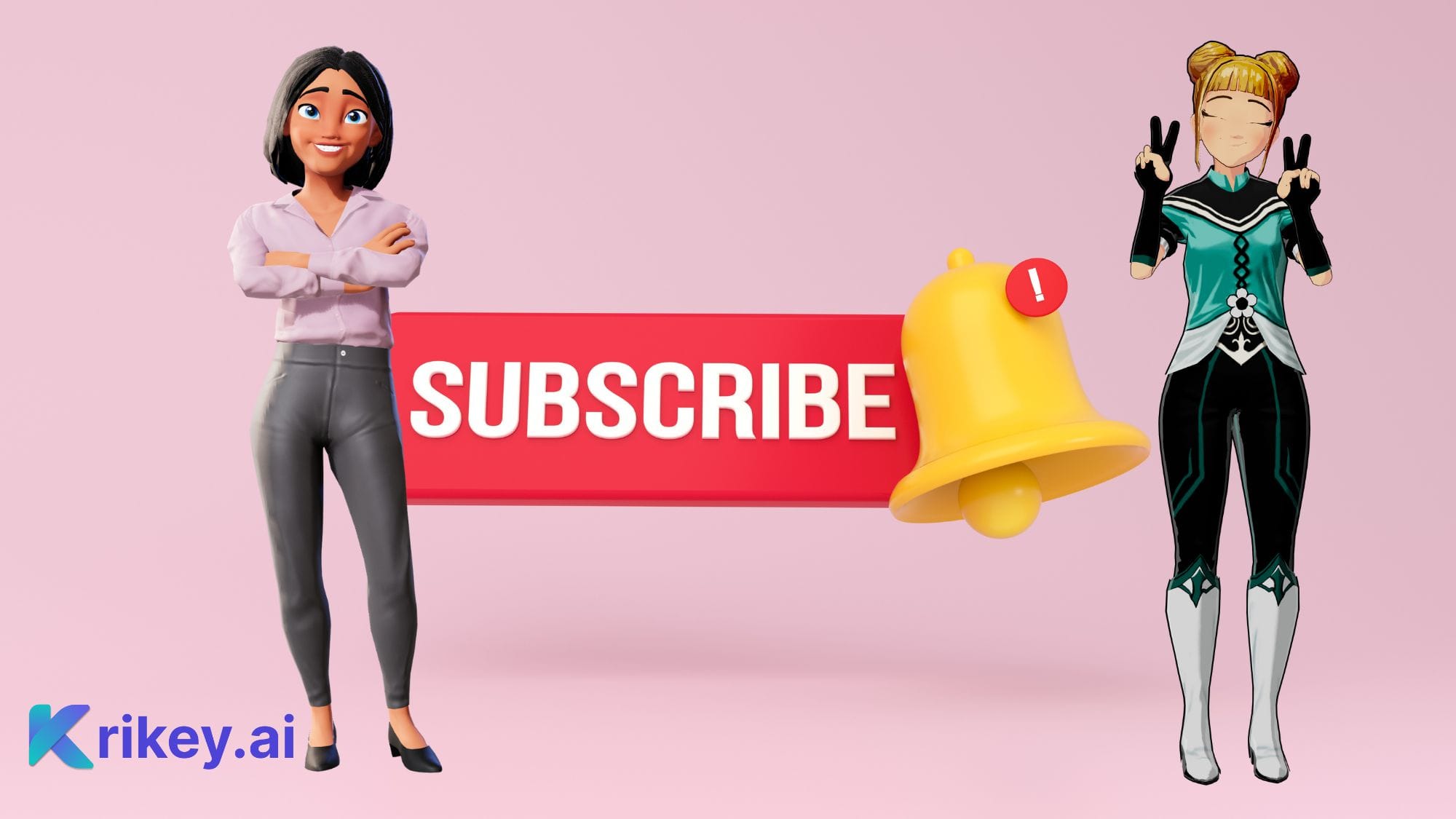

You can use these cartoon videos for:
- Instagram Reels
- YouTube Shorts
- Educational videos
- Personal branding
- Funny skits
- Storytelling content
- AI learning channels
Why This Method Is Perfect for Beginners
✔ No paid tools
✔ No complex prompts
✔ No editing knowledge required
✔ Works in English & Hindi
✔ Looks professional and engaging
Final Thoughts
Creating your own cartoon character using AI is no longer complicated or expensive. With just:
- One photo
- ChatGPT
- Google Flow
You can create amazing animated cartoon videos that look exactly like you, talk like you, and express emotions naturally.
✨ Try it today and surprise everyone with your AI cartoon twin!
📌 Don’t forget to watch the full video tutorial:
👉
