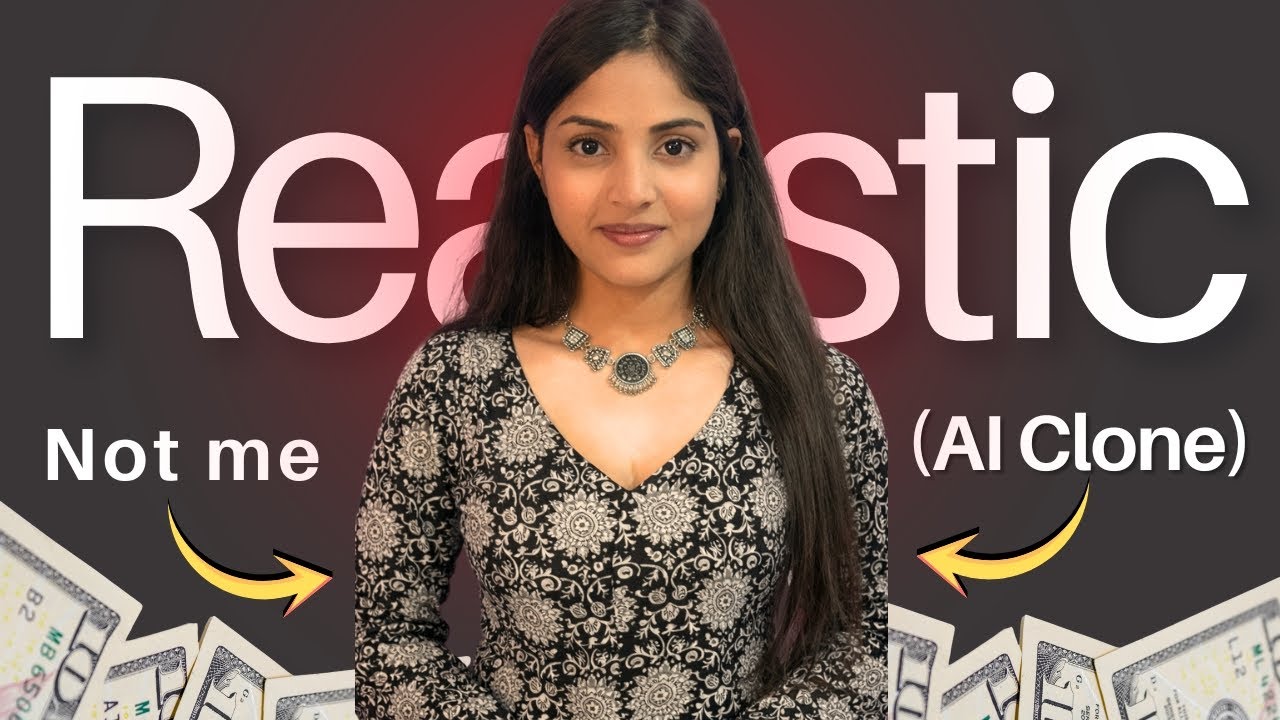
Imagine creating videos without recording yourself every time — no camera setup, no retakes, no stress. Sounds futuristic? It’s already possible with AI Avatars.
In this blog, you’ll learn how to create a realistic AI avatar in just a few minutes, using simple tools and a beginner-friendly workflow. You only need one photo and your voice. That’s it.
Let’s break it down step by step.
What Is an AI Avatar?
An AI Avatar is a digital version of you that looks and speaks like you. It uses:
- Your photo for facial appearance
- Your voice audio for speech
Once created, this avatar can generate videos where it talks exactly like you — even when you’re not on camera.
This is a game-changer for:
- Content creators
- YouTubers
- Educators & trainers
- Social media influencers
- Personal branding
Why AI Avatars Are a Big Deal
Here’s why creators are switching to AI avatars:
- ❌ No need to record videos again and again
- ⏱ Saves hours of shooting & editing time
- 🎯 Consistent face & voice branding
- 📱 Perfect for reels, shorts, and explainers
- 🌍 Create content anytime, anywhere
Once you try it, there’s no going back.
What You Need to Create an AI Avatar
Before starting, keep these two things ready:
1. A Clear Photo
- Front-facing image
- Good lighting
- Neutral expression
- High resolution
2. Your Voice Audio
- Clear audio recording
- No background noise
- Natural speaking tone
That’s all you need to get started.
Step 1: Create AI Avatar Video Using HeyGen
HeyGen is one of the easiest tools for photo-to-video AI avatars.
How to Use HeyGen:
- Open HeyGen and go to Home
- Select Photo to Video
- Upload your image
- Upload your audio file
- Click Generate Video
Within minutes, your AI avatar video will be ready.
✨ The result looks extremely realistic — as if you’re speaking on camera yourself.
You can download the video and use it directly on YouTube, Instagram, Facebook, or anywhere else.
Step 2: Change Outfit & Background Using Google Gemini
Now here’s where it gets even more powerful.
You can change your outfit and background without taking new photos.
How It Works:
- Open Google Gemini
- Click Create Image
- Upload the same photo
- Write a simple instruction prompt
Example Prompt:
I want her wearing a black printed kurti with full sleeves.
Background should be a garden.
Keep the model exactly the same.
⚠️ Important Tip:
Always write “Keep the model exactly the same” to preserve your face and identity.
Step 3: Re-Create Video with New Look
Once your new outfit & background image is ready:
- Upload it again in HeyGen
- Add your audio
- Generate a new AI avatar video
Now you have:
- Same face
- Same voice
- New outfit
- New background
All without recording again.
Where Can You Use AI Avatar Videos?
AI avatar videos work perfectly for:
- 🎥 YouTube videos
- 📱 Instagram Reels & Shorts
- 📘 Facebook videos
- 🎓 Online courses
- 🧠 AI tutorial channels
- 🧑💼 Personal & business branding
They look professional, modern, and highly engaging.
Tips for Best Results
- Use high-quality photos
- Record audio in a quiet room
- Keep expressions neutral in photos
- Use clear, simple prompts
- Maintain consistency in lighting & style
Small improvements = big realism boost.
Final Thoughts
Creating an AI avatar is no longer complicated or time-consuming. With the right tools and workflow, you can build realistic AI videos in minutes, not hours.
If you’re a creator who wants to:
- Save time
- Increase content output
- Look professional
- Experiment with AI
👉 AI avatars are the future — and the future is already here.
Now it’s your turn. Create your AI avatar, confuse your friends, and let them guess:
Real or AI? 😉
