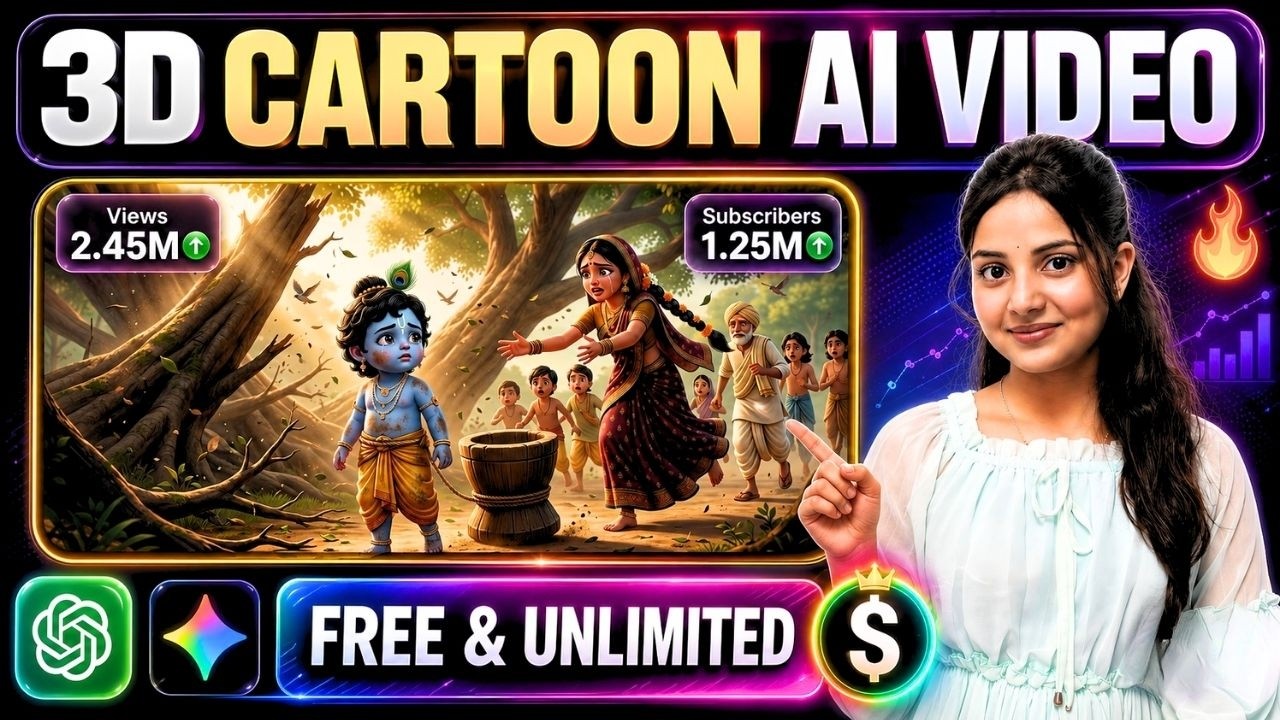
Artificial Intelligence has completely transformed animation production. Creating professional-quality 3D cartoon videos once required expensive software, experienced animators, voice actors, and weeks of production time. Today, tools like Google Omni, ChatGPT, and Google Flow allow creators to produce engaging animated stories in a fraction of the time.
Whether you want to create Krishna Leela animations, children’s stories, educational videos, or original cartoon series, this guide will show you an efficient workflow for producing long-form AI animations with consistent characters and natural dialogues.
Why AI Cartoon Videos Are Becoming So Popular
Animated storytelling performs exceptionally well across YouTube, Instagram, and other video platforms because it combines visual appeal with emotional storytelling.
Creators are now using AI to produce:
- Mythological stories
- Children’s cartoons
- Educational animations
- Moral stories
- Fantasy adventures
- Historical recreations
- Short films
The biggest advantage is that AI significantly reduces production time while maintaining impressive visual quality.
Step 1: Start with a Strong Story Idea
Every successful animation begins with a compelling concept.
Use ChatGPT to generate:
- Story ideas
- Plot outlines
- Character descriptions
- Scene breakdowns
- Dialogue suggestions
- Emotional moments
Instead of asking for a complete script immediately, first generate multiple concepts and choose the strongest one.
For example, if you’re creating a Krishna Leela animation, ask for several unique story ideas before selecting one to develop.
Step 2: Divide the Story into Individual Scenes
Once you’ve finalized the concept, split it into short scenes.
Each scene should include:
- Location
- Characters
- Camera movement
- Actions
- Emotions
- Dialogue
- Scene duration
Breaking the story into manageable scenes helps maintain pacing and improves AI-generated results.
Step 3: Create Consistent Characters
Character consistency is one of the biggest challenges in AI animation.
Prepare detailed character descriptions that include:
- Facial features
- Hairstyle
- Clothing
- Age
- Personality
- Expressions
- Accessories
- Body proportions
Using the same character description throughout the project ensures visual consistency across every scene.
Step 4: Import Characters into Google Flow
Google Flow allows creators to build reusable AI characters.
Instead of generating a new character for every scene, create your main characters once and reuse them throughout the entire project.
Benefits include:
- Consistent appearance
- Better storytelling
- Faster workflow
- More professional animations
Step 5: Generate Scene-by-Scene Video Prompts
Rather than creating prompts for the entire story at once, generate prompts one scene at a time.
This approach allows for:
- More detailed descriptions
- Better camera direction
- Improved character actions
- Stronger visual quality
Each prompt should include:
- Environment
- Lighting
- Character actions
- Camera movement
- Emotional expressions
- Dialogue
- Animation style
Step 6: Produce Videos Using Google Omni
Google Omni can generate high-quality AI videos directly from text prompts.
For best results:
- Choose the appropriate aspect ratio.
- Set the desired video duration.
- Use the same character references across scenes.
- Maintain a consistent animation style.
- Keep prompts highly descriptive.
Generating scenes individually also makes editing much easier later.
Step 7: Add Natural Dialogues
Dialogue brings animated characters to life.
If you’re producing videos in Hindi or another regional language, generate the dialogue separately rather than relying solely on built-in English voice options.
Well-written conversations make characters feel more expressive and improve audience engagement.
Step 8: Maintain Visual Consistency
Consistency is essential for long-form storytelling.
Keep the following elements consistent:
- Character appearance
- Costume design
- Lighting style
- Environment
- Camera language
- Animation quality
This creates a seamless viewing experience.
Step 9: Edit All Scenes Together
Once every scene has been generated:
- Arrange scenes chronologically.
- Add smooth transitions.
- Insert background music.
- Balance audio levels.
- Add subtitles if needed.
- Include intro and outro sequences.
Professional editing dramatically improves the final presentation.
Tips for Better AI Cartoon Videos
- Use cinematic camera movements.
- Keep prompts highly descriptive.
- Generate one scene at a time.
- Reuse character references.
- Focus on storytelling rather than visual effects.
- Maintain consistent environments.
- Review each scene before moving to the next.
Best Use Cases
This workflow works well for:
- Krishna Leela animations
- Ramayana stories
- Panchatantra tales
- Children’s educational videos
- Moral stories
- Fantasy adventures
- YouTube Shorts
- Long-form animated series
Final Thoughts
AI animation has made professional cartoon production accessible to everyone. By combining ChatGPT for story planning, Google Flow for character consistency, and Google Omni for video generation, creators can build engaging animated content much faster than traditional production methods.
The key to success is a structured workflow: start with a strong story, build consistent characters, generate detailed scene prompts, create videos one scene at a time, and finish with professional editing. With practice, this process can help you produce high-quality animated videos suitable for YouTube, social media, or educational content.
