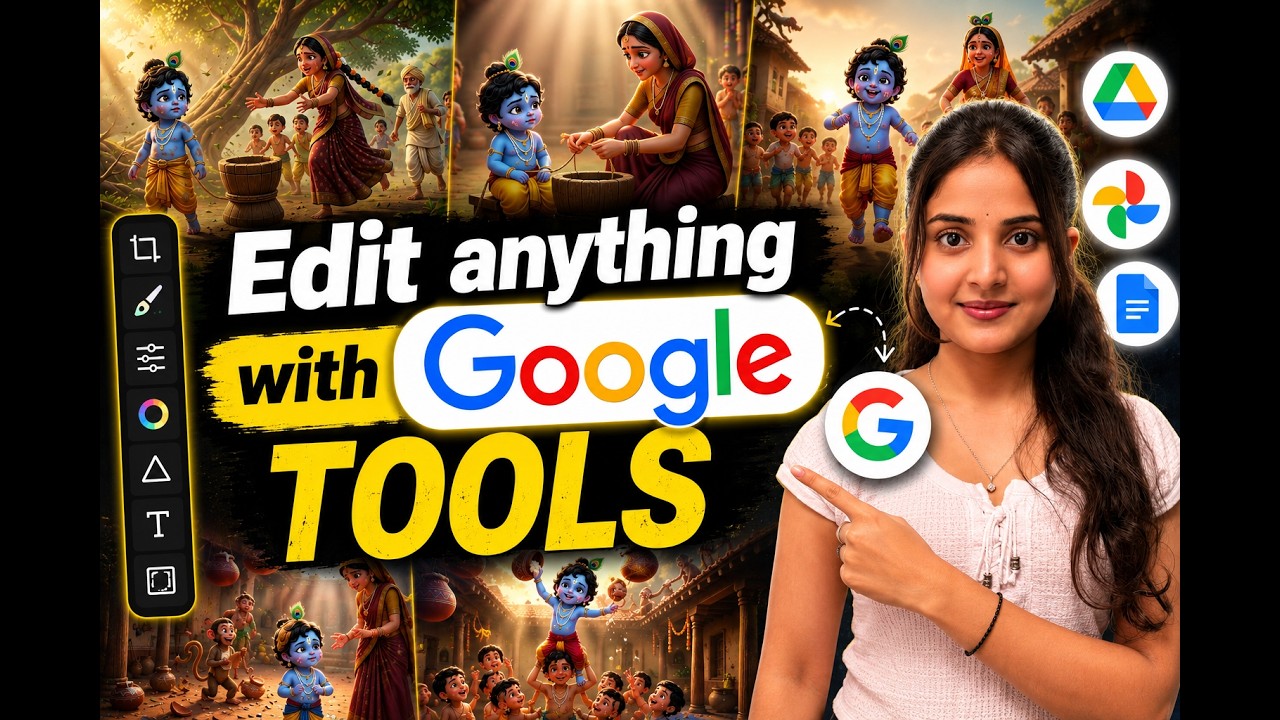
Artificial Intelligence has completely changed the way creators produce content. Generating images and videos with AI is now easier than ever—but editing those creations often requires switching between multiple software tools. Background removal, text editing, aspect ratio conversion, visual effects, and camera angle generation usually mean opening different applications.
Google Flow aims to simplify that workflow.
Instead of relying on multiple editing platforms, Google Flow combines AI image generation, AI video generation, and advanced editing features into a single workspace. Whether you’re a YouTube creator, digital marketer, social media manager, designer, or content creator, Google Flow can significantly reduce your editing time while improving productivity.
What is Google Flow?
Google Flow is Google’s AI-powered creative workspace that allows users to generate and edit both images and videos using integrated AI tools.
Rather than focusing only on AI generation, Google Flow also includes professional editing capabilities, making it possible to complete an entire creative project without constantly switching between different software.
The platform combines:
- AI Image Generation
- AI Video Generation
- Image Editing
- Video Editing
- Background Removal
- Perspective Generation
- Mockup Creation
- Text Editing
- Aspect Ratio Conversion
- Visual Effects
All inside one interface.
Create Images and Videos with AI
Inside a new project, users can simply enter a prompt and choose whether they want to generate an image or a video.
Google Flow supports prompt-based AI generation similar to modern image and video models while keeping everything inside one workspace for future editing.
AI Image Editing Features
One of the biggest upgrades in Google Flow is its built-in image editing tools.
Instead of exporting images to another editor, creators can edit them directly after generation.
Available features include:
1. Background Removal
Quickly remove image backgrounds with AI.
Perfect for:
- Product photos
- Thumbnails
- Social media posts
- E-commerce images
2. Inpainting
Replace or remove specific parts of an image without recreating the entire artwork.
Useful for:
- Removing unwanted objects
- Changing clothing
- Editing facial expressions
- Product customization
3. Outpainting
Expand an image beyond its original borders.
Ideal for:
- YouTube thumbnails
- Wallpapers
- Cinematic backgrounds
- Landscape expansion
4. Crop & Resize
Crop images for different social media platforms while maintaining quality.
5. Brightness, Contrast & Saturation
Adjust image colors without opening Photoshop.
Users can modify:
- Brightness
- Contrast
- Saturation
- Blur
- Opacity
directly inside Google Flow.
Generate Multiple Camera Angles from a Single Image
One impressive capability is Google’s AI perspective generator.
Users can upload a single image and create different camera viewpoints while maintaining character consistency.
Examples include:
- Overhead View
- Side View
- Rear View
- Left Pan
- Right Pan
- Zoom In
- Zoom Out
This is especially valuable for storytelling, animation, marketing creatives, and thumbnail production because it creates fresh angles without manually redesigning the scene.
AI Mockup Generator
Google Flow also provides mockup creation tools.
Creators can quickly place designs into realistic product mockups, making it useful for:
- Brand presentations
- Product marketing
- Merchandise previews
- Client demonstrations
Add and Customize Text on Images
Adding text is built directly into the editor.
Users can customize:
- Font
- Font Weight
- Text Size
- Color
- Line Spacing
- Letter Spacing
- Alignment
- Opacity
This makes it possible to design posters, banners, social media graphics, and thumbnails without leaving Google Flow.
AI Video Editing Features
Google Flow isn’t limited to images.
It also includes a growing collection of AI-powered video editing tools.
These features allow creators to improve existing videos instead of starting from scratch.
Video Effects
Users can apply various AI-powered visual effects to uploaded videos.
These effects help improve cinematic quality while maintaining an easy editing workflow.
Color Correction
Google Flow includes controls for:
- Bloom
- Contrast
- Saturation
- Shadows
- Highlights
- Temperature
- Tint
This allows creators to color-grade videos without professional editing software.
AI Colorization
Users can apply color overlays or stylized color environments to videos with just a few clicks.
This is useful for creating:
- Dramatic scenes
- Music videos
- Promotional videos
- Cinematic edits
Add Animated Text to Videos
Google Flow includes a dedicated text editor for videos.
Creators can:
- Insert titles
- Add subtitles
- Animate text
- Change fonts
- Adjust colors
- Control timing on the timeline
- Position text anywhere on the screen
Text elements can also be deleted independently without affecting the rest of the edit.
Draw Sketches on Videos
Another useful feature is the Video Sketch tool.
Users can draw directly on video frames, making it ideal for:
- Tutorials
- Educational content
- Product demonstrations
- Technical explanations
- Motion graphics planning
Resize Videos for Every Platform
One common challenge for creators is converting videos between different aspect ratios.
Google Flow simplifies this process by supporting multiple output formats, including:
- 16:9 (YouTube)
- 9:16 (YouTube Shorts, Instagram Reels, TikTok)
- 1:1 (Instagram Feed)
Users can choose options like Fit or Fill to automatically adjust the video while minimizing manual cropping.
Who Should Use Google Flow?
Google Flow is suitable for:
- YouTube Creators
- Digital Marketers
- Social Media Managers
- Graphic Designers
- Video Editors
- AI Content Creators
- Advertising Agencies
- Small Business Owners
- E-commerce Brands
Advantages of Google Flow
- Generate and edit content in one platform
- AI-powered image editing
- Built-in video editing tools
- Background removal without extra software
- Automatic perspective generation
- Text editing for images and videos
- Multiple aspect ratio support
- Professional color correction
- Faster workflow with fewer applications
- Beginner-friendly interface
Final Thoughts
Google Flow is evolving beyond a simple AI generation tool into a comprehensive creative workspace. By combining AI image creation, AI video generation, editing, mockup design, perspective changes, color grading, animated text, and aspect ratio conversion in one place, it streamlines the entire content creation process.
For creators who frequently move between several editing tools, Google Flow offers a more efficient workflow that can save time while keeping projects organized. As AI-assisted editing continues to improve, integrated platforms like Google Flow are likely to become an essential part of modern content production.
