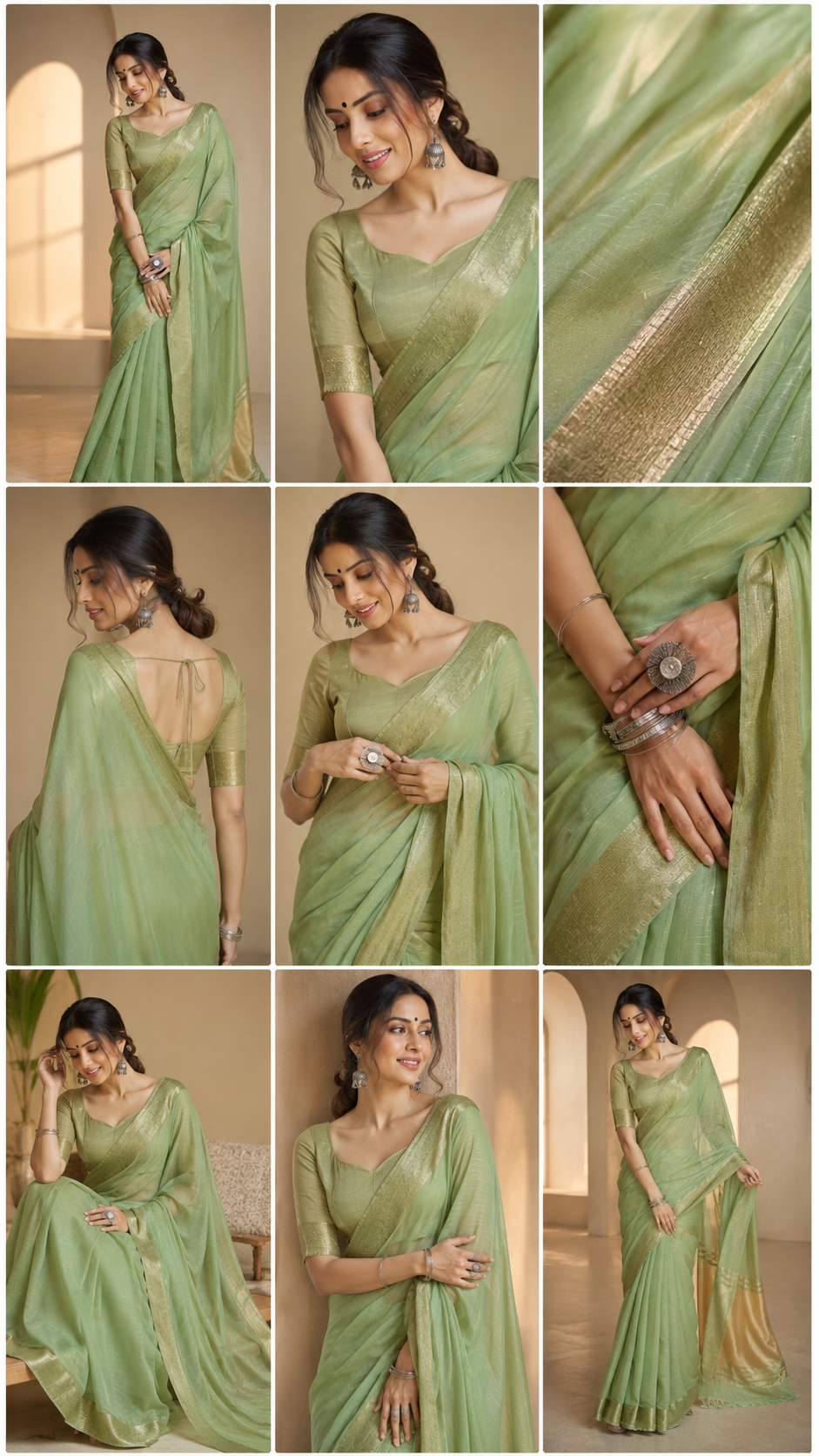
Creating professional cinematic videos no longer requires complex editing skills, expensive production teams, or hours of manual direction. With the power of AI and Google Flow, a simple storyboard image can now be transformed into a complete multi-angle commercial video prompt in seconds.
This workflow analyzes every frame of your storyboard, understands the camera angles, character actions, emotions, lighting, product interactions, and visual progression, then converts the entire sequence into a structured Google Flow video prompt. Each storyboard panel becomes a dedicated scene with detailed camera movements, transitions, subject actions, dialogue, music direction, and cinematic storytelling instructions.
Whether you’re creating advertisements, fashion campaigns, product commercials, food promotions, beauty videos, lifestyle content, or luxury brand films, this storyboard-to-video prompting system helps maintain visual consistency while generating professional multi-angle video sequences ready for AI video production.
Simply upload your storyboard, and the AI will automatically break down the complete narrative, identify every scene, generate realistic camera directions, add natural dialogue, choose appropriate background music, and produce a ready-to-use Google Flow prompt designed for high-quality vertical video creation.
Let’s see how you can turn static storyboard frames into dynamic cinematic videos with AI.
1 Prompts
Storyboard Creation prompt - Create a professional cinematic storyboard for a 10-30 second video.

Aspect Ratio: Automatically adapt to requested format (16:9, 9:16, 1:1, 4:5)

Layout:

- 3x3 storyboard grid
- 9 sequential frames
- Read from top-left to bottom-right
- Every frame represents a different moment in the story
- Strong visual continuity between frames

VISUAL QUALITY:

Ultra realistic
Photorealistic
High-end commercial production
Movie-level cinematography
Premium advertising quality
Natural lighting
Realistic shadows
Professional camera work
Shallow depth of field
Physically accurate materials
Cinematic color grading
Consistent character and product appearance throughout all frames

CAMERA DIRECTION:

Generate a mix of:

- Wide establishing shots
- Medium shots
- Close-ups
- Extreme close-ups
- Over-the-shoulder shots
- Low-angle shots
- High-angle shots
- Top-down shots
- Tracking shots
- Hero shots
- Product beauty shots
- Detail macro shots

Every frame must use a different camera composition whenever appropriate.

STORY GENERATION LOGIC:

IF PRODUCT ONLY:

Frame 1: Product introduction
Frame 2: Product discovery
Frame 3: Detail close-up
Frame 4: Key feature reveal
Frame 5: Product interaction
Frame 6: Secondary feature
Frame 7: Benefit demonstration
Frame 8: Hero product placement
Frame 9: Premium cinematic beauty shot

IF PRODUCT + MODEL:

Frame 1: Lifestyle introduction
Frame 2: Model notices product
Frame 3: Product pickup
Frame 4: Feature demonstration
Frame 5: Product in use
Frame 6: Emotional reaction
Frame 7: Benefit/result showcase
Frame 8: Hero interaction shot
Frame 9: Premium commercial ending shot

IF PERSON ONLY:

Frame 1: Establish character
Frame 2: Daily life moment
Frame 3: Goal or challenge
Frame 4: Action begins
Frame 5: Progress moment
Frame 6: Key transformation
Frame 7: Achievement
Frame 8: Confident hero shot
Frame 9: Cinematic ending frame

ADVANCED STORYTELLING:

Automatically generate:

- Beginning
- Build-up
- Feature reveal
- Emotional peak
- Final payoff

Every storyboard should feel like a complete advertisement, short film, creator story, or premium commercial.

ENVIRONMENTS:

Choose the most suitable environment automatically:

- Modern home
- Bedroom
- Living room
- Office
- Studio
- Cafe
- Outdoor street
- Luxury interior
- Workspace
- Creator setup
- Fitness environment
- Travel environment

depending on the uploaded subject.

CONSISTENCY RULE:

The same product, same person, same clothing, same colors, same accessories, same hairstyle, and same visual identity must remain consistent across all 9 frames.

NEGATIVE PROMPT:

No distorted anatomy
No duplicate subjects
No inconsistent products
No extra fingers
No blurry objects
No text
No captions
No watermarks
No random logos
No low quality rendering
No AI artifacts
No floating objects
No unrealistic lighting
No frame repetition

FINAL GOAL:

Generate a storyboard that looks like it was planned by a professional commercial director, cinematographer, creative agency, and UGC content team, ready for production of a viral advertisement, cinematic brand film, creator story, or marketplace product video.

Make the aspect ratio 16:9
Output
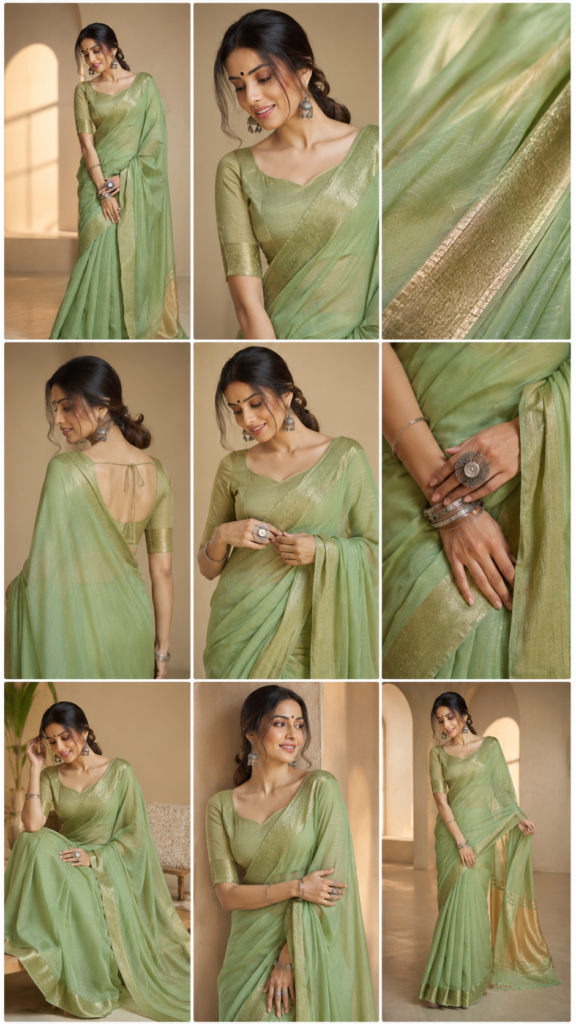
2 Prompts
Storyboard to video prompt - Analyze the uploaded storyboard image carefully.

Your task is NOT to generate a video.

Your task is to act as a professional commercial director and convert the storyboard into a complete Google Flow video prompt.

STEP 1 — STORYBOARD ANALYSIS

Carefully analyze:

- Subject or product
- Number of storyboard panels
- Camera angles
- Character actions
- Product interactions
- Emotions
- Lighting style
- Environment
- Visual progression
- Final outcome

Identify the exact sequence from left-to-right and top-to-bottom.

Do not skip any storyboard panel.

Treat every panel as a scene in the final video.

STEP 2 — VIDEO STRUCTURE

Create a complete Google Flow video prompt using:

Duration: 10 seconds

Aspect Ratio: 9:16

Style matching the storyboard

Ultra photorealistic quality

Consistent character and product appearance

STEP 3 — SCENE BREAKDOWN

Convert every storyboard panel into:

Scene 1
Scene 2
Scene 3
etc.

For every scene include:

- What is happening
- Camera movement
- Subject action
- Product interaction
- Emotion
- Lighting
- Transition

STEP 4 — DIALOGUE

Generate one short Hindi dialogue during the first 2 seconds.

Requirements:

- Natural Indian Hindi
- 2–6 words
- Match storyboard emotion
- No subtitles
- No captions

STEP 5 — MUSIC

Automatically choose background music based on storyboard category:

Beauty → Luxury Beauty Music

Food → Energetic Commercial Music

Tech → Modern Commercial Music

Fashion → Trendy Music

Jewellery → Elegant Luxury Music

Lifestyle → Uplifting Commercial Music

STEP 6 — OUTPUT FORMAT

Output ONLY a ready-to-use Google Flow video prompt.

Do not explain.

Do not analyze.

Do not give notes.

Do not give suggestions.

Only provide the final Flow-ready cinematic video prompt.
