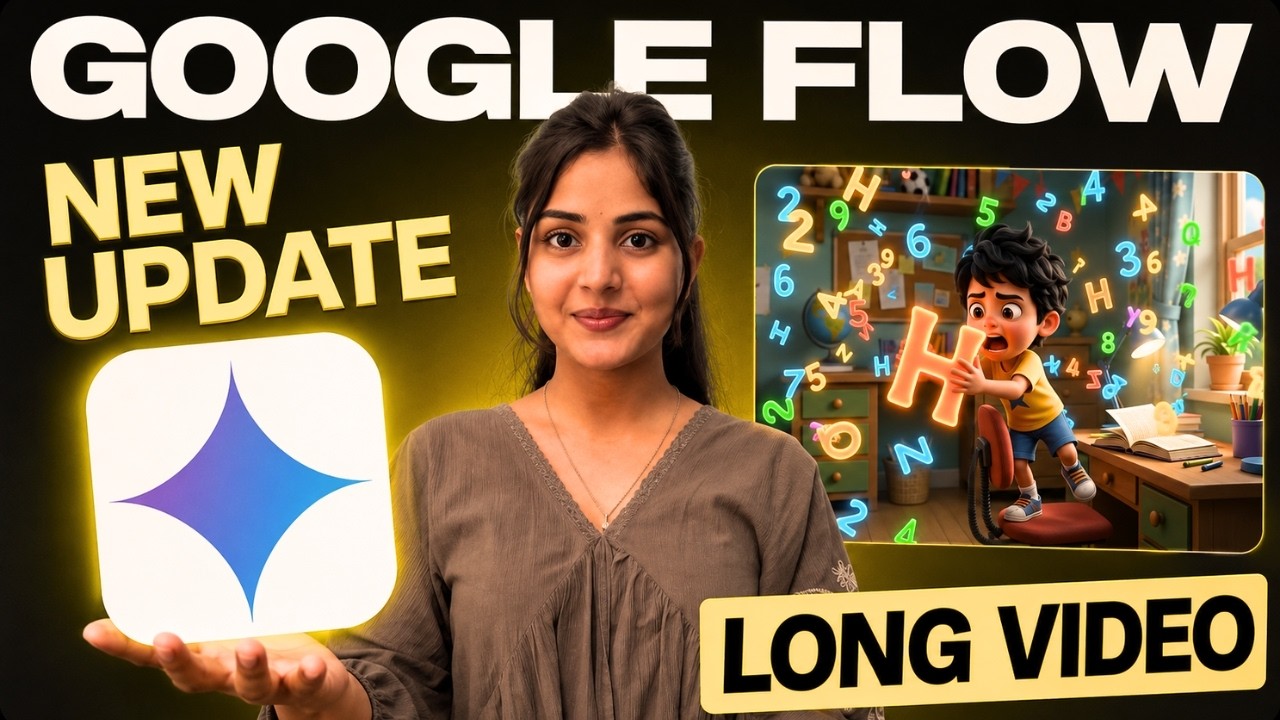
Turn Your Cartoon Ideas Into Full Episodes With AI
Have you ever dreamed of creating your own cartoon show like Doraemon, Shinchan, Chhota Bheem, or Mickey Mouse?
Until recently, creating animated cartoons required expensive software, animation skills, voice actors, and countless hours of work.
But now, thanks to Google’s latest AI update in Google Flow, you can create complete cartoon episodes with consistent characters, matching voices, multiple camera angles, and professional storytelling — all with the help of AI and without any technical knowledge.
In this guide, you’ll learn exactly how to create long-form animated videos for free using Google Flow and Gemini Omni.
Why This Update Is a Big Deal
Google Flow’s new AI features allow creators to:
✅ Generate consistent cartoon characters
✅ Assign unique voices to characters
✅ Create complete story episodes
✅ Maintain character consistency across scenes
✅ Generate multiple camera angles automatically
✅ Create long-form animated content
✅ Save hours of manual work
Even beginners can create professional cartoon shows in just a few minutes.
Step 1: Generate Cartoon Show Ideas with ChatGPT
Before creating videos, you need a strong cartoon concept.
Open ChatGPT and ask:
Give me unique cartoon show ideas for children similar to Chhota Bheem or Mickey Mouse but with an original concept.
ChatGPT will generate multiple ideas.
For example:
- Kuku & Chiku
- Adventure-based concepts
- Friendship stories
- Educational comedy shows
- Fantasy characters
Choose the concept you like the most.
Step 2: Develop the Cartoon Universe
Once you’ve selected a concept, ask ChatGPT:
I like this concept. Let’s develop it further.
ChatGPT can generate:
- Genre
- Target audience
- Episode length
- Art style
- Character personalities
- Running jokes
- Story structure
Example:
Cartoon Name
Kuku & Chiku
Genre
- Comedy
- Adventure
- Friendship
- Kids Entertainment
Target Audience
Children aged 5–12 years
Step 3: Create Character Descriptions
Next, ask ChatGPT:
Give me detailed character generation prompts for all main characters.
ChatGPT will generate complete descriptions for each character.
Example:
Kuku
- Creative
- Funny
- Always gets into trouble
- Confident but impulsive
Chiku
- Intelligent
- Problem solver
- Loyal best friend
- Calm and practical
These descriptions will be used to create consistent AI characters.
Step 4: Generate Characters in Google Flow
Open Google Flow.
Click on:
Characters
Paste the character description generated by ChatGPT.
Google Flow will generate the visual character.
After generation:
- Rename the character
- Assign a voice
- Save the character
Repeat the process for every character in your show.
Step 5: Add Character Voices
Google Flow provides multiple AI voice options.
Simply:
- Click Select Voice
- Preview different voices
- Choose the best match
- Add it to the character
The voice remains consistent throughout future episodes.
This creates a professional animated experience.
Step 6: Create Your First Episode
Return to ChatGPT and write:
Let’s create the first episode. Give me a complete storyline and divide it into scenes. Mention which characters appear in each scene.
ChatGPT will generate:
- Full storyline
- Scene-by-scene breakdown
- Character placement
- Dialogues
- Actions
This becomes your production blueprint.
Step 7: Generate Scene Prompts
Now ask ChatGPT:
Give me a detailed text-to-video prompt for Scene 1.
ChatGPT will create:
- Camera directions
- Environment details
- Character actions
- Expressions
- Dialogue context
Repeat this process for every scene if you want maximum control.
Step 8: Create Videos Using Gemini Omni Flash
Open Google Flow.
Paste the scene prompt.
Select:
Settings
- Aspect Ratio: 16:9
- Type: Video
- Ingredients: ON
- Model: Omni Flash
Why Omni Flash?
Because it automatically creates:
- Dynamic camera angles
- Better storytelling
- Professional scene transitions
- More engaging visuals
Many scenes include 3–4 camera angle changes automatically.
Step 9: Add Characters to the Scene
Click:
Add Character
Select the character required for that scene.
For example:
- Kuku only
- Chiku only
- Both Kuku and Chiku
The AI will automatically maintain character consistency.
Step 10: Generate the Scene
Click Generate.
Google Flow creates the video scene automatically.
You’ll receive:
- Animated visuals
- Character movements
- Consistent voice
- Multiple camera angles
This process can be repeated for every scene individually.
Faster Method: Use Agent Mode
Google Flow now includes Agent Mode.
This is where things become truly powerful.
Instead of generating scenes one by one:
- Enable Agent Mode
- Paste the complete storyline
- Paste all scene scripts
- Upload all characters
- Submit the project
The AI automatically:
- Reads every scene
- Generates all clips
- Uses the correct characters
- Maintains consistency
- Creates the complete episode
This eliminates the need to manually create prompts for every scene.
Character Consistency Across Episodes
One of the biggest challenges in AI animation is consistency.
Google Flow solves this by:
- Reusing saved characters
- Maintaining the same appearance
- Keeping the same voice
- Preserving personality traits
This makes it possible to build an entire cartoon series around recurring characters.
Download and Assemble Your Episode
After generating all scenes:
- Download every clip
- Import them into your editing software
- Arrange scenes in sequence
- Add background music
- Add transitions if needed
- Export the final episode
Within minutes, your first AI-generated cartoon episode is ready.
Credit System
Google Flow currently offers:
Free Credits
- 100 credits on first login
- 50 credits daily
Jio Users
Eligible users may claim Google Pro benefits and receive approximately 1000 credits per month.
This makes long-form AI content creation accessible to almost everyone.
Why Creators Should Use Google Flow
Google Flow is ideal for:
- YouTube cartoon channels
- Kids content creators
- Educational animations
- Storytelling channels
- AI content creators
- Digital marketers
- Teachers and educators
It dramatically reduces production costs while increasing content quality.
Final Thoughts
Google Flow and Gemini Omni are transforming cartoon production. What once required a full animation team can now be done by a single creator using AI. From character creation and voice generation to scene production and episode assembly, the entire workflow can be completed inside Google’s AI ecosystem.
If you’ve ever wanted to launch your own animated series, create children’s content, or build a cartoon YouTube channel, this may be one of the easiest and most affordable ways to get started.
The future of animation is no longer limited to large studios. With Google Flow and Gemini Omni, anyone can become a cartoon creator.
