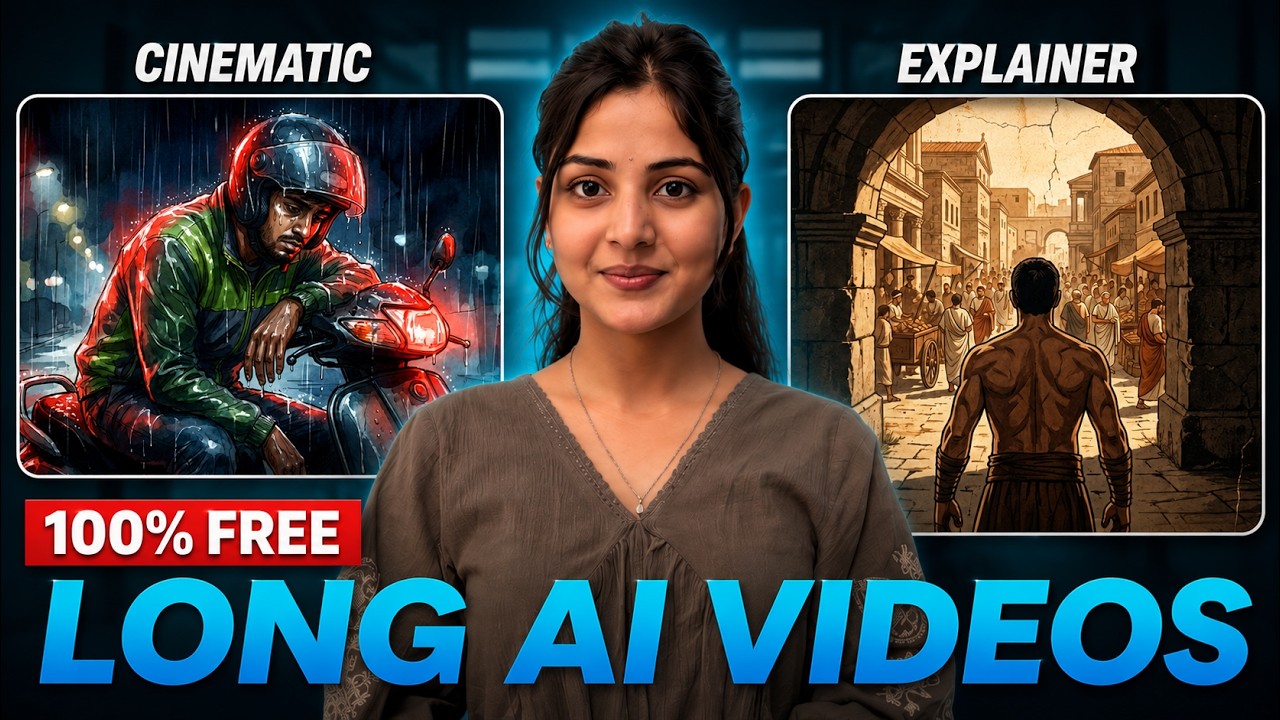
If you’re only using Google Gemini Pro for basic tasks after claiming the offer, you’re missing out on something much bigger. There’s an underrated AI tool that can generate full-length YouTube videos — including scripts, visuals, voiceovers, editing, and cinematic scenes — all from a single prompt. Even better, you can create 5-minute, 10-minute, or even hour-long videos without needing separate editing software or stock footage.
This tool is called NotebookLM, and in this guide, you’ll learn how to use it to create professional AI-generated videos and even clone the content style of successful YouTube channels.
What Makes NotebookLM Powerful?
Unlike traditional AI video generators that require multiple tools, NotebookLM can handle almost everything in one workflow:
- Script generation
- Story visualization
- AI voiceovers
- Video scene generation
- Automatic editing
- Long-form video creation
- YouTube-style cinematic storytelling
The biggest advantage is that the generated videos are highly original, reducing copyright concerns while saving hours of manual editing work.
Step 1: Open NotebookLM
After opening NotebookLM, simply click on “Try NotebookLM.” If you already have access to Google Gemini Pro through promotional offers or subscriptions, your account may already be activated automatically.
Inside the dashboard, you’ll see several options:
- Upload text
- Upload documents
- Paste YouTube URLs
- Add references
- Insert scripts or story ideas
This flexibility allows you to create content from almost any source.
Step 2: Create a Video from a Script
To generate a video:
- Click on “Copy Text”
- Paste your complete story or script
- Insert the content into NotebookLM
- Open “Video Overview”
You’ll now see three video generation modes:
- Cinematic
- Explainer
- Brief
The “Brief” option is useful for summaries, but if you want engaging YouTube videos, the best choices are Cinematic and Explainer modes.
Explainer vs Cinematic Mode
Explainer Mode
Explainer mode creates:
- Presentation-style videos
- Smooth image transitions
- Light animations
- Voiceover narration
- Multi-language support
You can choose languages such as:
- English
- Hindi
- Marathi
- Bengali
- And many more
You can also customize the art style, such as:
- Watercolor
- AI art
- Minimal
- Modern animation
This mode works well for educational content, tutorials, and storytelling channels.
Cinematic Mode
Cinematic mode creates much more dynamic videos with:
- Moving scenes
- Cinematic camera effects
- AI-generated motion clips
- Dramatic storytelling visuals
- Better emotional impact
However, cinematic mode is usually available only with Gemini Pro access.
Unlike Explainer mode, Cinematic mode automatically handles most of the styling and currently focuses mainly on English video generation.
Step 3: Generate the Video
Once you select the mode:
- Add any custom instructions if needed
- Click “Generate”
- Wait for the AI to process the content
NotebookLM automatically creates:
- Voiceovers
- Matching visuals
- Scene transitions
- Background music
- Timing adjustments
The result is a ready-to-upload YouTube video.
Clone a Successful YouTube Channel with AI
One of the most interesting features is the ability to analyze and replicate the style of successful YouTube channels.
Here’s how it works:
Step 1: Create a New Notebook
Start a fresh NotebookLM project.
Step 2: Paste YouTube Video URLs
Copy URLs from a successful channel in your niche and paste multiple video links into NotebookLM.
The more videos you provide, the better the AI understands:
- Content structure
- Storytelling pattern
- Hook style
- Video pacing
- Script tone
- Niche strategy
NotebookLM does not directly copy the channel. Instead, it analyzes the style and generates original ideas inspired by it.
Step 4: Ask AI to Analyze the Channel
You can prompt the AI with instructions like:
- Analyze this channel’s script structure
- Generate similar content ideas
- Create matching hook styles
- Suggest title formats
- Recommend storytelling patterns
The AI will then provide:
- Channel strategy insights
- Content frameworks
- Viral title ideas
- Script templates
- Niche recommendations
Step 5: Generate Channel Names
You can even ask NotebookLM to generate YouTube channel name ideas based on the niche.
For example:
“Give me 10 YouTube channel name ideas for this storytelling niche.”
The AI explains why each name fits the channel style, making branding much easier.
Step 6: Generate Video Ideas
Once the channel identity is ready, ask the AI for:
- Viral video topics
- Story concepts
- Long-form content ideas
- Episode structures
NotebookLM can generate multiple original ideas tailored specifically to the niche you analyzed earlier.
Step 7: Generate Full Scripts
After selecting a topic:
- Paste the video title
- Ask NotebookLM to generate a detailed script
The AI produces a complete YouTube-ready script with:
- Hooks
- Story flow
- Narration
- Emotional pacing
- Scene suggestions
You can directly reuse this script inside NotebookLM to generate the final video.
Final Video Results
The generated videos can range from:
- 5 minutes
- 7 minutes
- 10+ minutes
The Explainer videos look polished and educational, while Cinematic videos include moving visuals and stronger storytelling elements.
The AI intelligently matches visuals with narration, creating surprisingly accurate scene alignment.
Improving AI Voiceovers
One downside is that some AI voiceovers may sound robotic.
A simple solution is:
- Mute the original AI voice
- Record your own narration
- Replace the audio track
This adds a human touch and can improve monetization potential for YouTube channels.
Additional Features with Gemini Pro
Besides NotebookLM, Gemini Pro users can also access:
- Unlimited AI image generation
- Google Omni tools
- AI workflow automation
- Long-form AI video creation
- Multiple simultaneous generations
Many creators are using these tools to generate large amounts of content without hitting usage limits.
Final Thoughts
NotebookLM is becoming one of the most underrated AI tools for YouTube automation and long-form content creation. Whether you want to create cinematic storytelling videos, educational explainers, or build an entire faceless YouTube channel, this workflow can dramatically reduce production time.
Instead of juggling multiple AI tools for scripts, visuals, editing, and narration, you can now handle most of the process in one place.
For content creators, AI YouTubers, and faceless channel builders, this could become one of the most powerful workflows available today.
