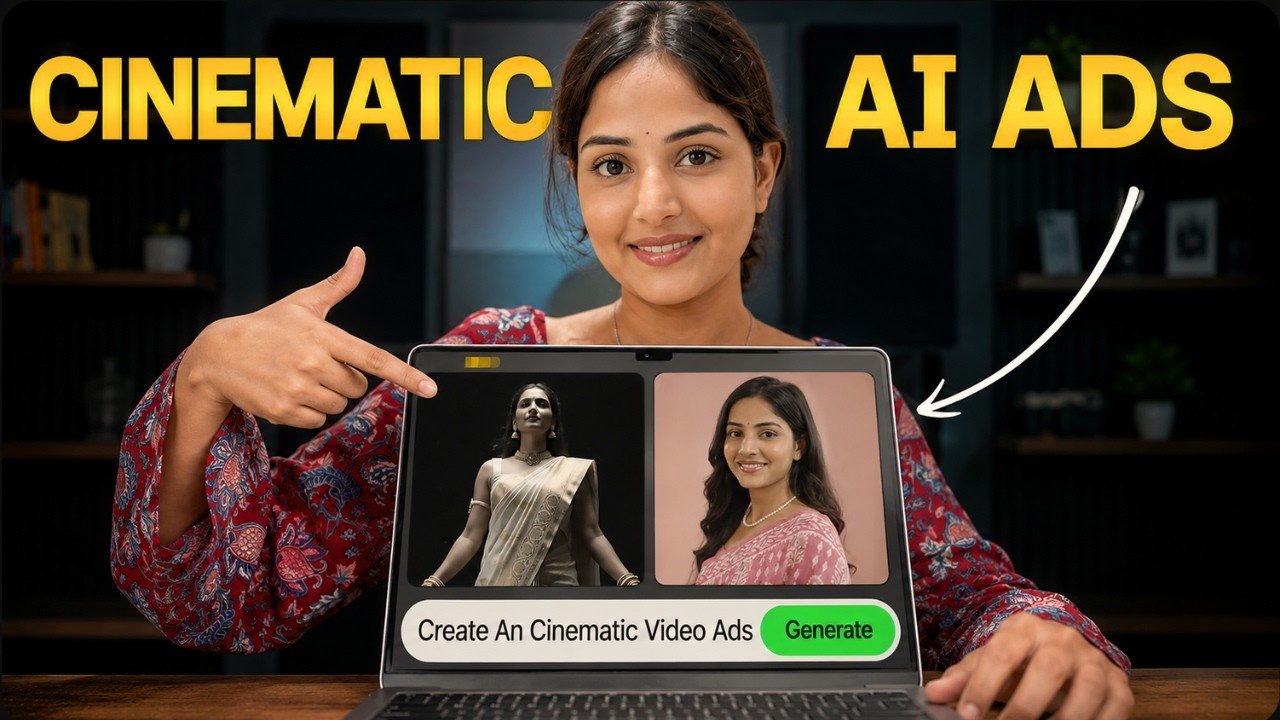
Creating high-quality product advertisements used to require expensive cameras, professional editors, and hours of post-production. Today, AI has completely changed that process. With tools like Google Gemini and Google Flow, anyone can create cinematic product commercials that look polished and professional—even without filming a single video clip.
In this guide, you’ll learn a simple workflow for generating realistic AI-powered ad videos using your own products and even your own face as the brand ambassador.
Why AI Cinematic Ads Are Becoming Popular
Modern AI video models can understand product images, camera movements, lighting, and cinematic composition. Instead of manually recording multiple shots, you simply upload your product, write a detailed prompt, and let AI generate a complete commercial.
The biggest advantages include:
- No camera equipment required
- No video editing skills needed
- Faster content creation
- Professional-looking cinematic results
- Perfect for social media marketing and e-commerce
Whether you’re promoting clothing, cosmetics, gadgets, jewelry, or any physical product, AI can significantly reduce production time.
Step 1: Create Your AI Avatar in Google Gemini
One of the most exciting features available in Google Gemini is AI Avatars.
Instead of using a generic AI model, you can create an avatar based on yourself. This allows your own face to appear naturally in promotional videos, making your advertisements feel more authentic and personal.
Using your own avatar helps:
- Build brand trust
- Improve audience recognition
- Create consistent branding
- Make ads feel more human
If you’re building a personal brand or running an online business, this feature can be incredibly valuable.
Step 2: Upload Your Product
Once your avatar is ready, upload a clear image of the product you want to advertise.
The better the product image, the better the AI understands:
- Shape
- Materials
- Colors
- Texture
- Branding details
High-resolution images generally produce more realistic results.
Step 3: Write a Detailed Prompt
The prompt is where the magic happens.
Instead of asking for a simple product video, describe the style you want in detail.
For example:
- cinematic lighting
- premium commercial look
- luxury product showcase
- smooth camera movements
- dramatic close-up shots
- realistic reflections
- slow-motion hero moments
- professional advertisement style
The more specific your instructions are, the more polished your final video becomes.
Step 4: Use Google Flow for Better Results
Although Google Gemini can generate videos, Google Flow is designed to deliver even stronger cinematic output.
Inside Google Flow:
- Create a new project.
- Upload your product image.
- Add your AI avatar if you want to appear in the advertisement.
- Paste your prepared prompt.
- Select Ingredients Mode, allowing AI to use the uploaded assets as creative elements rather than copying a single frame.
- Choose your preferred aspect ratio, such as 9:16 for Shorts or Reels.
- Select the Omni Flash video model.
- Set the video duration to around 10 seconds for a complete cinematic sequence.
This workflow usually produces smoother camera motion and more visually appealing compositions.
Step 5: Generate Multiple Versions
Instead of creating only one video, generate multiple variations.
Each version may include:
- different camera angles
- unique transitions
- alternative lighting
- varied product presentations
Comparing several outputs helps you choose the strongest advertisement for your campaign.
Why Camera Motion Matters
Professional commercials rely heavily on camera movement.
AI can simulate techniques such as:
- Slow dolly shots
- Orbit movements
- Close-up macro shots
- Push-in camera motion
- Hero product reveals
- Smooth cinematic transitions
These movements make even a simple product image feel dynamic and premium.
Perfect for Small Businesses
One of the biggest benefits of this workflow is accessibility.
You don’t need:
- a production studio
- expensive cameras
- professional actors
- advanced editing software
A single product image combined with a strong prompt can generate marketing content suitable for:
- Instagram Reels
- YouTube Shorts
- TikTok
- Facebook Ads
- Shopify stores
- Amazon listings
- Brand campaigns
Tips for Better AI Ads
To achieve the most realistic output:
- Use high-quality product images.
- Keep the product clearly visible.
- Write detailed cinematic prompts.
- Choose shorter video durations for consistent quality.
- Generate multiple versions before selecting the final one.
- Use vertical format for social media platforms.
- Combine realistic lighting with natural camera movements.
Final Thoughts
AI video generation is making professional advertising more accessible than ever. With Google Gemini and Google Flow, creators and businesses can produce realistic cinematic commercials without traditional filming or editing.
Success depends on three things: a clear product image, a well-crafted prompt, and choosing the right generation settings. Once those pieces come together, AI can transform a single image into an engaging promotional video that feels surprisingly close to a professionally produced advertisement.
As these tools continue to improve, AI-powered product commercials are likely to become a standard part of digital marketing, helping brands create faster, smarter, and more cost-effective visual content.
