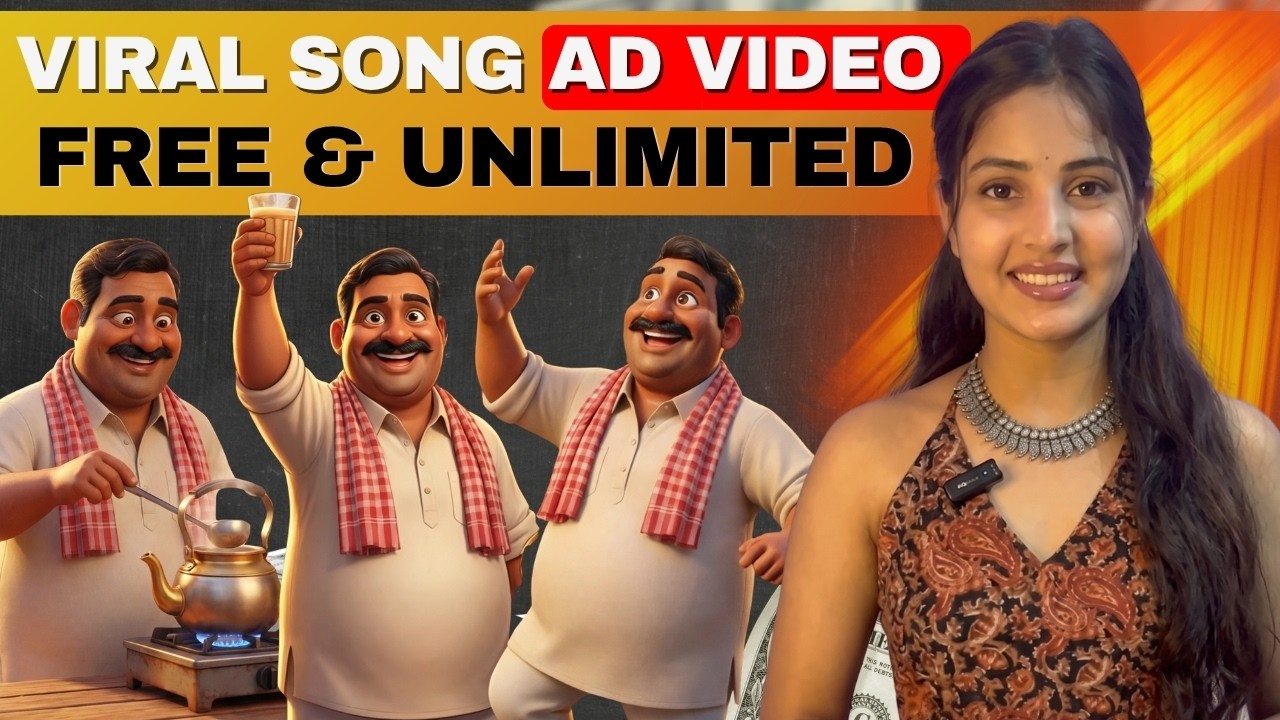
In today’s digital world, advertising plays a crucial role in growing any business. Whether you run a small chai shop or a large brand, ads help you connect with your audience, build familiarity, and create lasting relationships.
But what if you could create viral, engaging ad videos using AI — completely free?
In this blog, we’ll walk you through a simple, step-by-step method to create AI-powered song-based advertisement videos that are creative, engaging, and highly effective.
Why AI Ads Are the Future of Marketing
AI-generated ads are becoming popular because they:
- Save time and effort
- Reduce production costs
- Allow creative storytelling
- Help small businesses compete with big brands
However, just using AI is not enough. A great ad must include:
- Emotions
- Brand Introduction
- Relatability with Audience
Without these elements, your ad will feel robotic and fail to connect with viewers.
Step 1: Generate Ad Ideas Using ChatGPT
Start by giving a simple instruction to ChatGPT like:
- Your brand name
- Type of business (e.g., chai shop)
- Tone (funny, suspenseful, energetic — not emotional)
- Requirement (song-based ad)
ChatGPT will generate:
- Ad concepts
- Scene breakdown
- Song lyrics
👉 Pro Tip:
Don’t settle for the first idea. Keep refining your prompt until you get a relatable and engaging concept.
Step 2: Create Perfect Song Lyrics
Once you finalize your concept:
- Ask ChatGPT to generate lyrics
- Make sure the lyrics are:
- Rhyming properly
- Energetic and catchy
- Easy to understand
If the lyrics are not perfect, ask ChatGPT to improve them.
Step 3: Generate Music Using AI (Suno AI)
Now take your lyrics to an AI music tool like Suno AI.
Important Tip:
- If your song is in Hindi → write lyrics in Hindi
- Avoid English-written Hindi lyrics (bad pronunciation)
Then:
- Paste lyrics
- Remove extra tags like “Intro”, “Hook”, etc.
- Add a style prompt (e.g., energetic, fun, desi vibe)
- Generate music
You’ll get multiple versions — choose the best one.
Step 4: Create AI Video Using Animation Tools
Use tools like Anijam AI to generate the full video.
Process:
- Paste your lyrics + concept
- Select:
- Audience
- Platform (Reels/Shorts)
- Aspect ratio (9:16)
- Choose style (e.g., 3D Pixar style)
- Generate storyboard
The AI will automatically create:
- Scenes
- Characters
- Locations
- Objects
Step 5: Maintain Character Consistency
One big advantage of AI tools is character consistency:
- Same character appears in all scenes
- Same shop, environment, and vibe
If something looks wrong:
- Simply write an instruction
- Example: “Regenerate Scene 16 with correct characters”
No complex prompting needed.
Step 6: Generate Missing Video Clips (Free Alternative)
If your AI tool runs out of credits:
- Download remaining images
- Use Google Veo / similar tools
- Animate images into videos
This helps you:
- Save credits
- Complete your project for free
Step 7: Final Video Editing
Now combine everything:
- Add song
- Arrange clips according to beats
- Adjust:
- Speed (slow/fast motion)
- Transitions
- Scene timing
The result:
A professional-quality ad video that looks like it required huge effort — but was created using AI in minutes.
Key Benefits of This Method
- 100% beginner-friendly
- No advanced skills required
- Fully AI-powered workflow
- Free or low-cost tools
- High-quality, viral-ready output
Final Thoughts
Creating viral ad videos is no longer limited to big brands or professional studios. With the right AI tools and strategy, anyone can create engaging, story-driven, song-based ads that capture attention and build brand identity.
The secret is simple:
👉 Focus on creativity, storytelling, and audience connection — not just automation.
