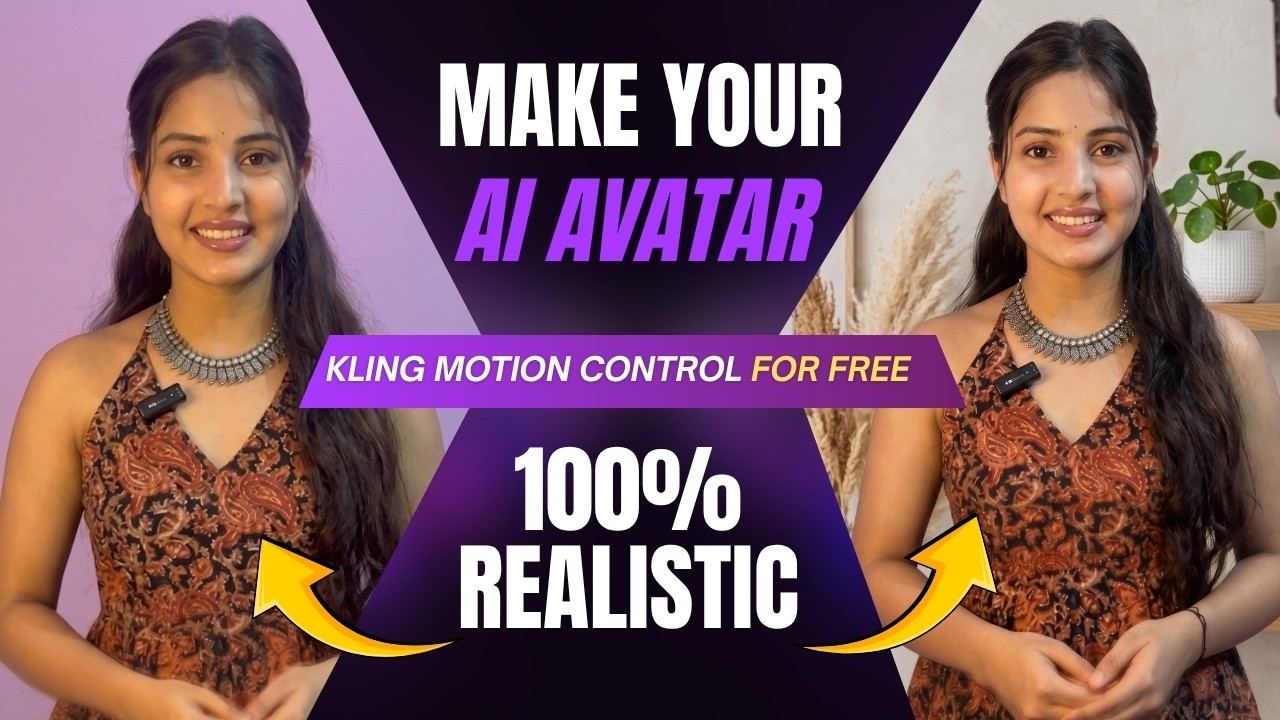
Creating a digital clone that looks, speaks, and behaves exactly like you might sound futuristic—but with today’s AI tools, it’s completely possible. The best part? You can do it for free, with high-quality output and no watermark.
Let’s break down the complete process step by step.
What Is a Digital AI Clone?
A digital clone is an AI-generated version of yourself that can:
- Mimic your face and expressions
- Change outfits instantly
- Switch backgrounds seamlessly
- Perform actions and movements like a real human
Many creators are already using these avatars to produce content faster and more efficiently.
Step 1: Capture Your Base Image
Start by taking a screenshot from your own video where:
- Your face is clearly visible
- The angle is front-facing
- Lighting is clean and natural
This image will be used as the base for your AI avatar.
Step 2: Modify Outfit Using AI (Google Gemini)
Upload your image into an AI tool like Google Gemini along with a reference outfit image.
Use a prompt like:
“Change my outfit with the uploaded one but keep my face and background the same.”
Result:
- Your face stays exactly the same
- Your outfit changes perfectly to match the reference
- The image looks realistic and natural
You can further enhance it by changing:
- Background
- Hairstyle
- Lighting
For example:
“Change the background to a clean aesthetic wall suitable for a video shoot.”
This gives you a polished, professional-looking avatar image.
Step 3: Convert Image into Video Using Motion Control
Now comes the most powerful part—bringing your avatar to life.
Use a motion control AI tool (similar to Kling-style workflow).
Steps:
- Open the AI video tool and create a new project
- Select Motion Control
- Upload:
- A reference motion video (the movement you want)
- Your AI avatar image
- Make sure to select:
- “Motion Video” (not prompt-only mode)
- Adjust:
- Quality
- Aspect ratio
- Duration
Then generate the video.
Step 4: Free Credits System
Most tools provide:
- 1500 free credits on signup
- Daily check-in rewards (around 200 credits/day)
This allows you to keep creating videos regularly without paying.
Step 5: Final Output
Your AI avatar video will:
- Perform the same motion as your reference video
- Look highly realistic
- Maintain your exact facial identity
You can download it instantly and use it for content creation.
