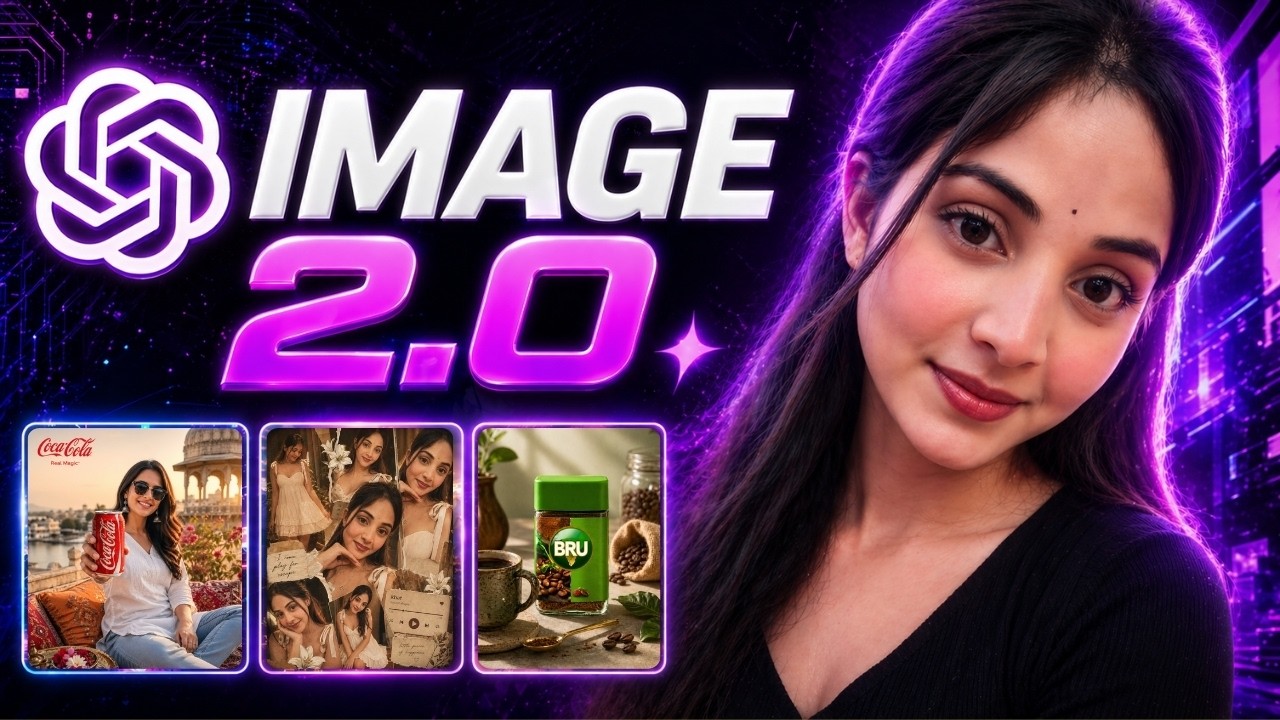
Artificial Intelligence is evolving faster than ever—and with the latest advancements in ChatGPT Image 2.0, content creation has entered a whole new era. What once took hours of manual editing, design skills, and multiple tools can now be achieved with a single prompt.
Whether you are a content creator, marketer, or business owner, this tool can completely transform the way you create visuals, ads, and creative assets.
🔥 What Makes ChatGPT Image 2.0 So Powerful?
The new version brings a range of advanced capabilities that were previously unavailable or difficult to achieve:
- High-quality, realistic image generation
- Perfect text rendering inside images
- Consistent character creation
- Support for all aspect ratios
- Easy editing without changing the original face or identity
- Professional-level detailing and accuracy
With just a simple prompt, you can generate aesthetic images, product ads, and even full storyboards.
🎯 1. Create Professional Product Ads in Seconds
One of the most impressive features is the ability to turn a simple product image into a complete ad campaign visual.
How it works:
- Upload your product image
- Add a prompt describing the ad style
- Select the aspect ratio (like 1:1 or 3:4)
- Generate the image
Within seconds, you get a fully designed ad with proper lighting, text, and composition—something that usually requires a designer.
👉 The best part? The product remains accurate and unchanged, maintaining brand identity.
🆚 2. ChatGPT vs Other AI Tools (Real Comparison)
When comparing results with tools like Google Gemini:
- ChatGPT produces more realistic images
- Product proportions stay accurate
- Text and branding are clean and readable
- Facial expressions and gestures look natural
Other tools may generate good visuals, but often struggle with:
- Incorrect proportions
- Unrealistic scaling
- Poor text accuracy
👉 This makes ChatGPT a better choice for ads, branding, and commercial visuals.
🎬 3. Create Full Storyboards with Consistent Characters
Another powerful feature is the ability to generate multi-frame storyboards.
You can:
- Create 10–12 frame visual stories
- Maintain the same character across all frames
- Add brand taglines
- Tell a complete story visually
This is extremely useful for:
- Ad campaigns
- YouTube storytelling
- Instagram reels planning
- Brand narratives
🎨 4. Edit Images Without Changing Face Identity
This is one of the most advanced capabilities.
You can:
- Add professional color grading
- Apply lighting effects
- Enhance image quality
- Remove unwanted elements
- Upscale images to 8K
👉 And the best part:
The face and identity remain 100% unchanged.
This is a game-changer for:
- Personal branding
- Influencers
- Product models
- AI photoshoots
📸 5. Turn Low-Quality Images into 8K Quality
Even blurry or low-quality images can be transformed.
With simple prompts like:
- “Upscale to 8K quality”
- “Remove unwanted elements”
You get:
- Sharper details
- Clean backgrounds
- Professional finish
This eliminates the need for expensive editing software.
🆓 6. Works Even in Free Version
Many people assume these features are only available in paid versions—but that’s not true.
You can:
- Upload images
- Generate visuals
- Edit photos
- Create collages
👉 All in the free version as well.
🎯 7. Customize Prompts for Any Product or Brand
You’re not limited to pre-made prompts.
You can:
- Take any existing prompt
- Replace the product with your own
- Customize style, lighting, and theme
Example:
👉 “Use this prompt but replace the product with my body wash”
ChatGPT will generate a custom prompt tailored to your product, making it easy to scale content creation.
💡 Final Thoughts
ChatGPT Image 2.0 is not just a tool—it’s a complete creative system.
It allows you to:
- Save hours of work
- Create high-quality visuals instantly
- Maintain brand consistency
- Produce professional-level content without design skills
👉 For creators, marketers, and businesses, this is a massive advantage in 2026.
