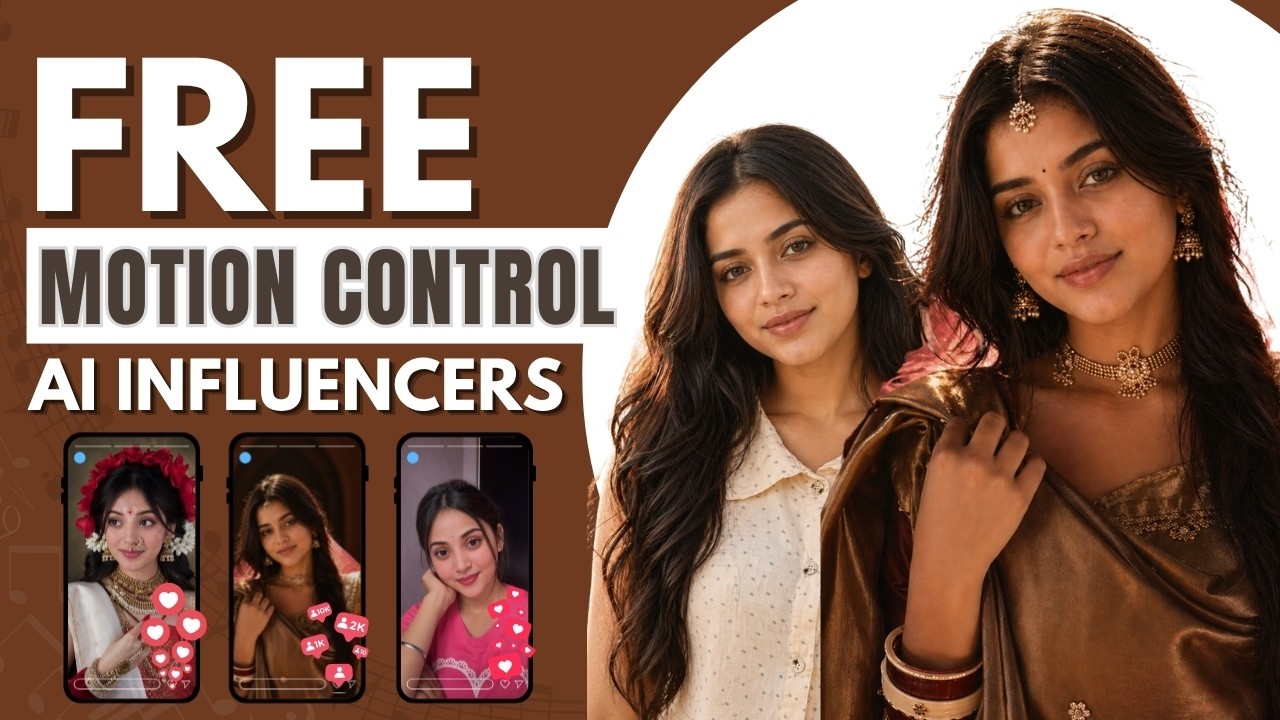
AI influencers are everywhere—but let’s be honest…
👉 Most of them look fake.
They either:
- Do random dancing
- Lip-sync poorly
- Or just don’t feel real
And that’s the biggest reason why they don’t convert or make money.
But what if you could create AI influencers that:
✔ Look real
✔ Move naturally
✔ Maintain face consistency
✔ And actually work for ads & content
In this guide, you’ll learn a complete workflow to create highly realistic AI influencer transition videos using free tools.
🎯 Step 1: Create a Realistic AI Influencer Image
Start with a reference image. You can use:
- Any high-quality model photo
Now, use AI to extract a detailed prompt from that image.
👉 The goal:
- Capture outfit
- Pose
- Lighting
- Background
- Mood
Then generate a new AI image using that prompt.
💡 Pro Tip:
Always generate 2–3 variations and pick the most realistic one.
🎯 Step 2: Replace the Model (Without Changing Anything Else)
This is where the magic happens.
You take:
- Image 1 → Reference frame
- Image 2 → Your AI influencer
And give a simple instruction:
👉 “Replace the model in the first image with the second one. Keep everything exactly the same—outfit, pose, hairstyle, lighting.”
Result:
- Same pose
- Same environment
- New face (your AI influencer)
💡 This technique ensures:
✔ 100% consistency
✔ Realistic output
✔ No distortion in identity
🎯 Step 3: Refine the Details
Now improve the image using micro edits like:
- Remove accessories (bindi, earrings, etc.)
- Add small styling elements
- Improve clarity (use “8K quality”)
👉 This step separates average creators from professionals.
🎯 Step 4: Prepare Transition Frames
To create a smooth video:
- Select a reference video
- Take screenshots of:
- Before transition
- After transition
These frames will act as your motion blueprint
🎯 Step 5: Generate AI Motion Video
Now use motion control tools.
Upload:
- Reference video
- Your AI influencer image
Select:
- Motion tracking / motion control
- Video matching (not character matching)
👉 Output:
A video where your AI influencer follows the exact motion of the reference clip.
💡 Keep resolution at least 720p or higher.
🎯 Step 6: Edit & Create Transition Video
Now combine everything in your editing tool:
- Place first clip
- Cut exactly at transition point
- Insert second clip
- Match frames carefully
👉 Result:
A smooth, professional AI transition video
🚨 Real Problems & Practical Solutions
❌ Problem 1: AI Videos Look Fake
Reason: Unrealistic motion or poor prompts
✅ Solution:
Use real reference videos + motion control
❌ Problem 2: Face Changes in Every Frame
Reason: Weak prompt structure
✅ Solution:
Always use:
“Keep everything same, only replace model”
❌ Problem 3: Motion Looks Broken
Reason: Too many camera angle changes
✅ Solution:
Choose videos where:
- Focus stays on subject
- Minimal angle shifts
❌ Problem 4: Low Quality Output
Reason: Low resolution generation
✅ Solution:
Add:
- “8K quality”
- “Ultra realistic”
💰 Why This Matters (Business Perspective)
This is not just content creation…
👉 This is a high-income skill
You can use this for:
- D2C product ads
- Instagram reels
- AI influencer pages
- UGC ads for brands
- Affiliate marketing
📈 Real Opportunity (Most Creators Miss This)
Most AI influencers fail because:
❌ They don’t look real
❌ They don’t match human behavior
But if you:
✔ Maintain face consistency
✔ Use real motion
✔ Focus on storytelling
👉 You can create content that actually converts
⚡ Simple Workflow to Remember
Reference → Prompt → AI Image → Replace Model → Motion → Edit → Final Video
🔥 Final Thoughts
AI influencer content is the future—but only for those who do it right.
If your content looks fake → it won’t work
If your content feels real → it can scale massively
👉 Focus on realism, not just generation
📌 Bonus Tip
Don’t just create content—
Start using this for:
- Ads
- Brand collaborations
- Client services
That’s where the real money is.
