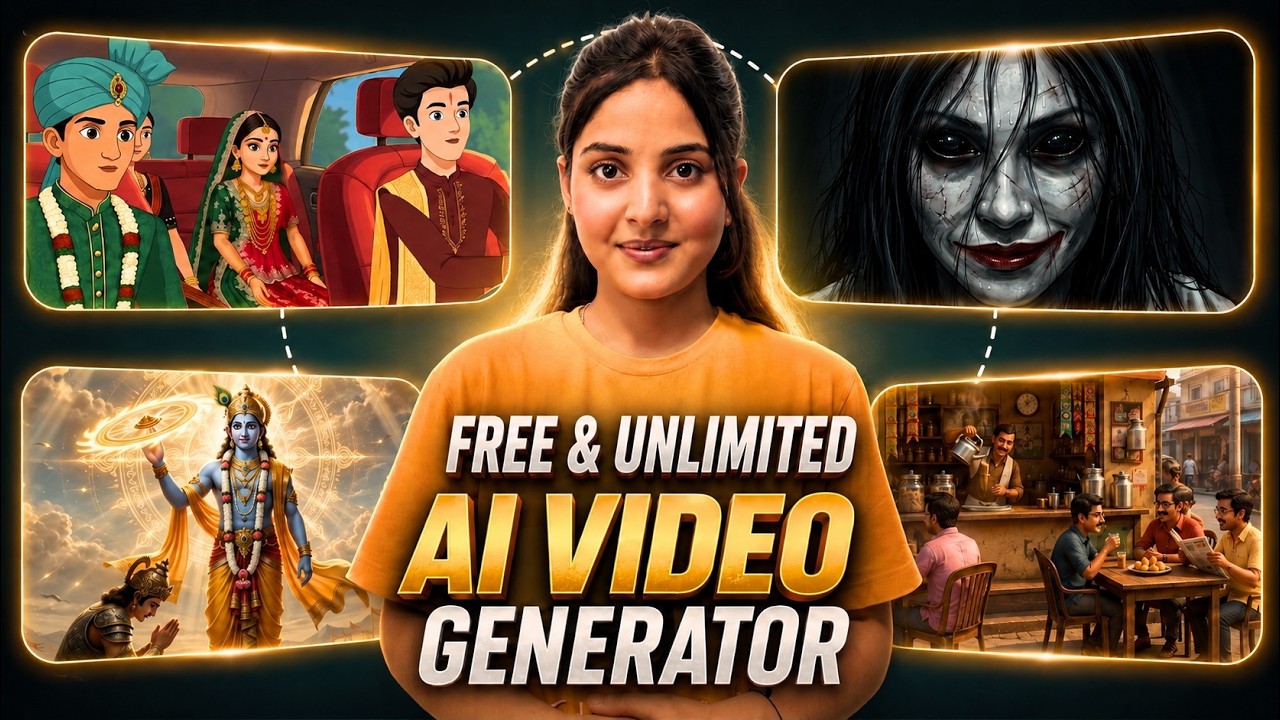
If you’ve ever wanted to build a faceless YouTube channel, create animated stories, generate AI images, produce realistic voiceovers, and design eye-catching thumbnails—all without using multiple software tools—then you’re going to love what AI-powered platforms like Autodraft offer.
In this blog, we’ll explore how one AI tool can simplify your entire content creation workflow and help beginners as well as professional creators produce high-quality videos faster than ever.
Why AI Video Creation is Booming in 2026
AI has completely changed the way creators produce content.
Instead of spending hours designing graphics, recording voiceovers, editing timelines, and writing scripts manually, modern AI tools automate almost every step.
Whether you create:
- Horror Stories
- Spiritual Videos
- Educational Content
- Storytelling Videos
- Animated Explainers
- Digital Avatar Videos
- Faceless YouTube Channels
AI can dramatically reduce production time while maintaining professional quality.
One Tool for Your Entire YouTube Workflow
Instead of switching between multiple applications, this AI platform combines everything into a single workspace.
It includes:
- AI Animation Studio
- AI Image Generator
- AI Video Generator
- AI Voice Generator
- Story Writer
- Thumbnail Generator
- YouTube SEO Writer
- Music Library
- Sound Effects Generator
- Video Editing Tools
This means one person can now perform the work that previously required an entire creative team.
AI Animation Studio
One of the biggest highlights is the built-in Animation Studio.
You can:
- Create new projects
- Select aspect ratios (16:9, 9:16, etc.)
- Add backgrounds
- Insert animated characters
- Remove unwanted objects
- Build complete animated scenes
The timeline editor makes it easy to arrange every element visually.
Huge Character Library
The platform includes a large collection of ready-made characters.
You can find:
- Human characters
- Horror characters
- Fantasy characters
- Religious characters
- Mythological figures
- Spiritual personalities
Even better, you can upload your own custom characters and animate them inside your project.
Animate Characters with Motion Paths
Instead of static animations, you can create realistic movement using motion paths.
Characters can:
- Walk
- Run
- Jog
- Sing
- Move from one point to another
- Follow custom movement paths
This creates far more natural-looking animations than simple idle movements.
AI Image Generator
Need artwork for your video?
The built-in AI Image Generator allows you to:
- Write a text prompt
- Upload a reference image
- Choose an AI model
- Select an aspect ratio
- Pick from multiple art styles
- Generate high-quality images
If you’re unsure how to write prompts, the platform can even generate optimized prompts based on your idea.
Turn Images into AI Videos
After generating an image, you can instantly animate it.
Features include:
- Image-to-video conversion
- Start frame and end frame support
- Custom animation prompts
- AI motion generation
- Multiple AI models
- Adjustable duration
- Resolution settings
- Special effects like:
- Day to Night
- Night to Day
- Rain
- Earthquake
This allows creators to produce cinematic AI videos from a single image.
AI Voice Generator
The platform also includes a powerful AI voice system.
You can:
- Convert text into realistic speech
- Add emotions
- Choose different languages
- Select male or female voices
- Pick age groups
- Clone your own voice
- Adjust speech speed
This makes narration sound much more natural without recording your own audio.
AI Sound Effects
Instead of searching online for sound effects, simply describe what you need.
Examples include:
- Rain
- Footsteps
- Door sounds
- Wind
- Magic effects
- Horror ambience
You can even choose the duration before generating the sound.
Copyright-Free Music Library
Finding royalty-free music can be difficult.
This platform includes a built-in music library where creators can add background tracks directly to their videos without worrying about copyright claims.
AI Thumbnail Generator
Thumbnails play a huge role in YouTube success.
The AI Thumbnail Generator allows you to:
- Upload reference images
- Enter prompts
- Generate professional thumbnails
- Create attractive visuals designed to improve click-through rates
This saves hours of manual design work.
Built-In Video Editor
Beyond AI generation, the platform also includes practical editing tools.
You can:
- Duplicate layers
- Split clips
- Add new scenes
- Apply effects
- Manage audio
- Organize timelines
- Export videos in HD quality
Everything happens within one workspace, making the editing process much faster.
Free Version vs Paid Version
The free version already offers impressive functionality for learning and testing.
Benefits include:
- Create animations
- Generate videos
- Basic AI features
- Minimal limitations
The paid version unlocks more advanced AI capabilities, additional features, and a smoother professional workflow, making it suitable for serious content creators.
Final Thoughts
AI content creation has reached a point where one creator can produce complete YouTube videos without relying on multiple software tools or a large production team.
From generating images and animations to creating voiceovers, thumbnails, and SEO-friendly content, platforms like Autodraft provide an all-in-one solution that can significantly speed up video production.
Whether you’re starting a new faceless YouTube channel, creating educational videos, producing animated stories, or experimenting with AI-generated content, using an integrated AI workflow can save time while helping you publish more consistently.
